Link to Coursera - Deeplearning.AI Python for Beginners Course: Link.
Instructor: Andrew Ng.
ROUGH NOTES (!)
Updated: 27/9/2026
[Module 1. Basics of AI Python Coding]
[Introduction]
(These are rough notes of what the instructor mentions).
Welcome to AI Python for Beginners.
Whatever your job role and career goals are, including if it’s not to become an AI developer or software engineer, I’m glad you’re here. I hope to show you by the end of this course that coding is useful, fun, and can help you in your day-to-day work and life.
Benefits of learning to code: Ten years ago, if you’d asked me if everyone should learn to code, I would have said no. Because learning to code took quite a bit of work, and it wasn’t clear, what exactly the use cases were for people beyond really technical roles. But with the rise of AI, specifically tools like chat GPT and generative AI, I think that equation has changed. I’m seeing that many people in journalism, marketing, or business research, or investing or administrative roles are finding it useful to be able to write a little bit of code in their work and get things done. And if you can learn to write just a little bit of code, you’ll be much more effective at many types of work, especially knowledge work.
Coding with a chatbot companion: Since the release of chat GPT and the wide availability of many generative AI tools, the way that people write code is different. Specifically, with a chatbot companion, you never have to code alone. So it’s as if you always have a buddy next to you that’s actually pretty good at coding and can help you along with writing code. This makes learning to code much easier. And later, once you’re writing code yourself, an AI chatbot also makes your job much easier because you have this experienced buddy to help you along every single step. So these new AI tools have dramatically reduced the cost and effort needed to learn to code.
Coding with a chatbot companion: Now, there are a lot of coding courses out there on the internet. One thing that distinguishes this course from many of those out there is you learn this new methodology of working alongside a chatbot while you code right away. So you’ll be learning skills that I think will be much more future-proof and more aligned with the way that professional coding is trending.
Coding with a chatbot companion: With the widespread availability of AI, what you find is that you can really get AI to do a lot more for you if you know just a little bit of coding. And that means that because AI is impacting pretty much all knowledge work, if you work in a knowledge worker type of job role, or maybe even if you don’t, your ability to write just a little bit of code will be, I think, a significant productivity enhancer for you.
Coding is fun: So I hope you enjoy the course. Beyond it being practical and useful, I also don’t want to understate that I think coding is just really fun. When you learn to code just a little bit, you’ll be able to do a lot of stuff that you just couldn’t before, and I and many of my friends find that really fun, and I hope you will too.
[What is Computer Programming?]
Computer programming is the art and science of writing very precise instructions to tell a computer what you want it to do for you.
Instructor: It turns out that when you write good instructions, computers could do a lot.
Instructor: I was recently on an airplane, and the person sitting next to me told me their career story. She used to have a job as an executive assistant, and she told me that she had learned to code and wrote a program to monitor her executive’s calendar. So that if, you know, her boss did something funny with his calendar, she would get a notification so that she could go fix it. So here’s someone that had learned to code, then wrote a little bit of code that actually helped her do her job more efficiently. I think in almost all walks of life, learning to code, getting computers to do what you want, will help you get a lot more done.
Programming helps the advancement of humanity.
Programming has helped advance humanity in so many ways, all of them driven by people writing code.
Eg: The Hubble space telescope’s images that have helped us unravel the mysteries of the universe are processed and analyzed using computer programs written by scientists.
Eg: The particle accelerators that discovered the Higgs boson were only made possible because developers wrote software to analyze the data they collected in order to drive forward our understanding of physics.
Eg: Our daily use of the internet, too, was made possible only through people writing computer programs. When you pick up your phone and send a message to someone else, well, you’re using a computer program that someone else wrote. If you use GPS to navigate, or if you or someone you love uses assistive technology like speech recognition or eye tracking, these are technologies that have changed the lives of so many people with a disability. All of these are programs that someone wrote.
Programming: Command machines to do your bidding!
At the heart of computer programming is gaining the skill to command machines to do your bidding.
Personal: “Do your bidding” means to obey orders and carry out every command or wish without question.
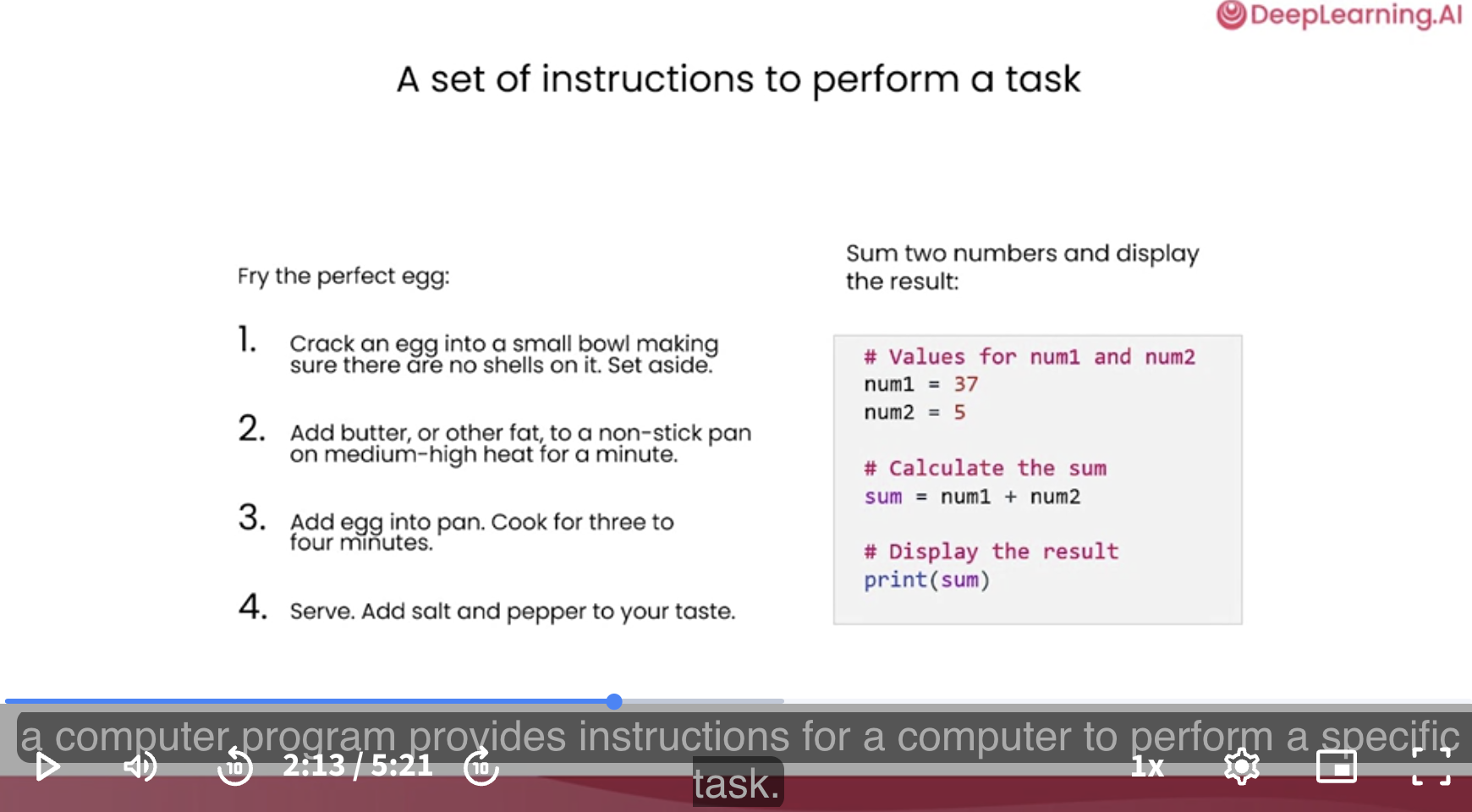
Computer programs are sets of precise instructions that tell a computer how to perform a task.
Just as a cooking recipe guides you through the steps needed to consistently achieve a delicious result, a computer program provides instructions for a computer to perform a specific task.
Programming gives you an edge.
Being able to program will give you an edge in terms of what you’ll be able to accomplish.
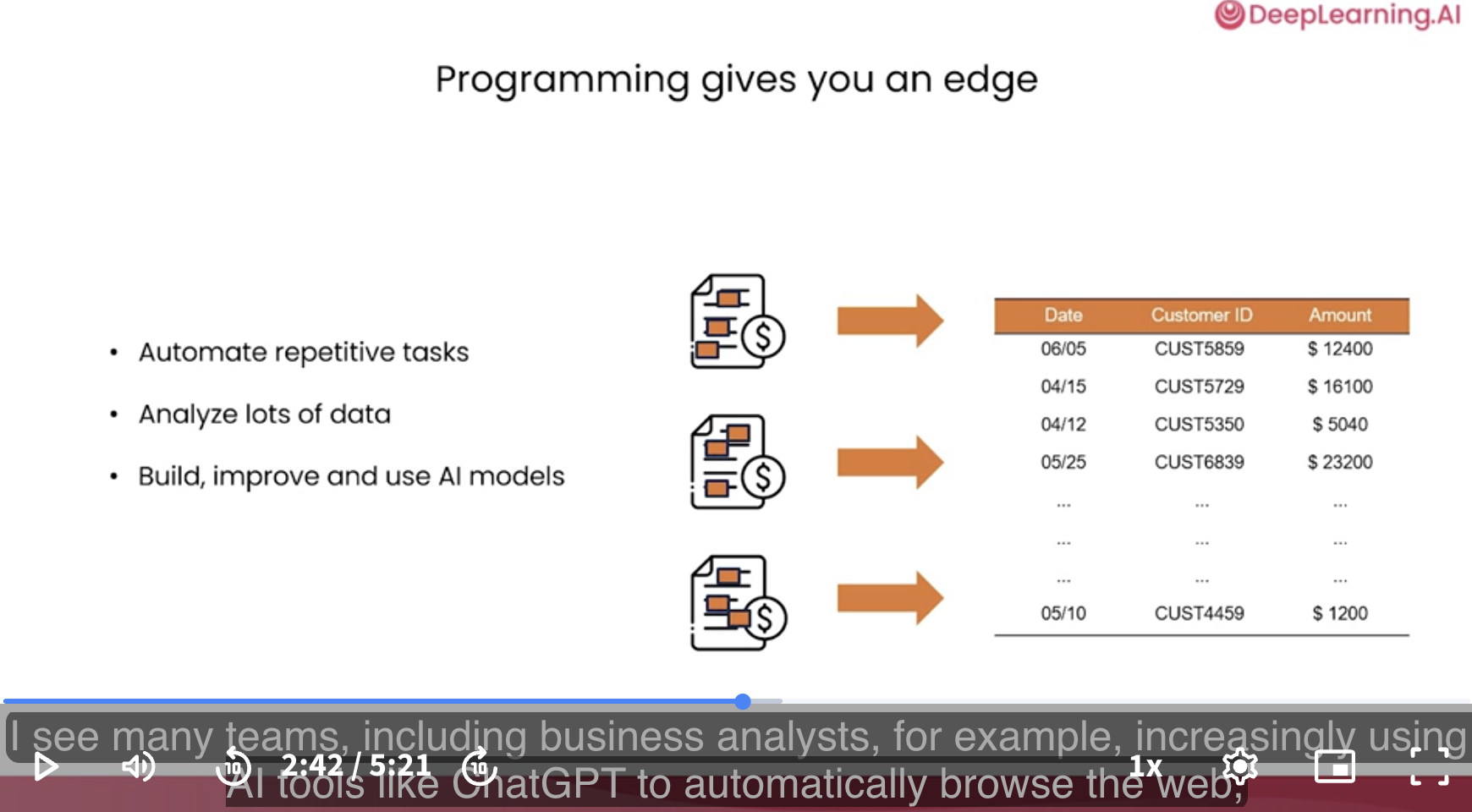
I see many people using programming to automate repetitive tasks.
Eg: Repeatedly taking, say, PDF documents and extracting relevant data into a spreadsheet.
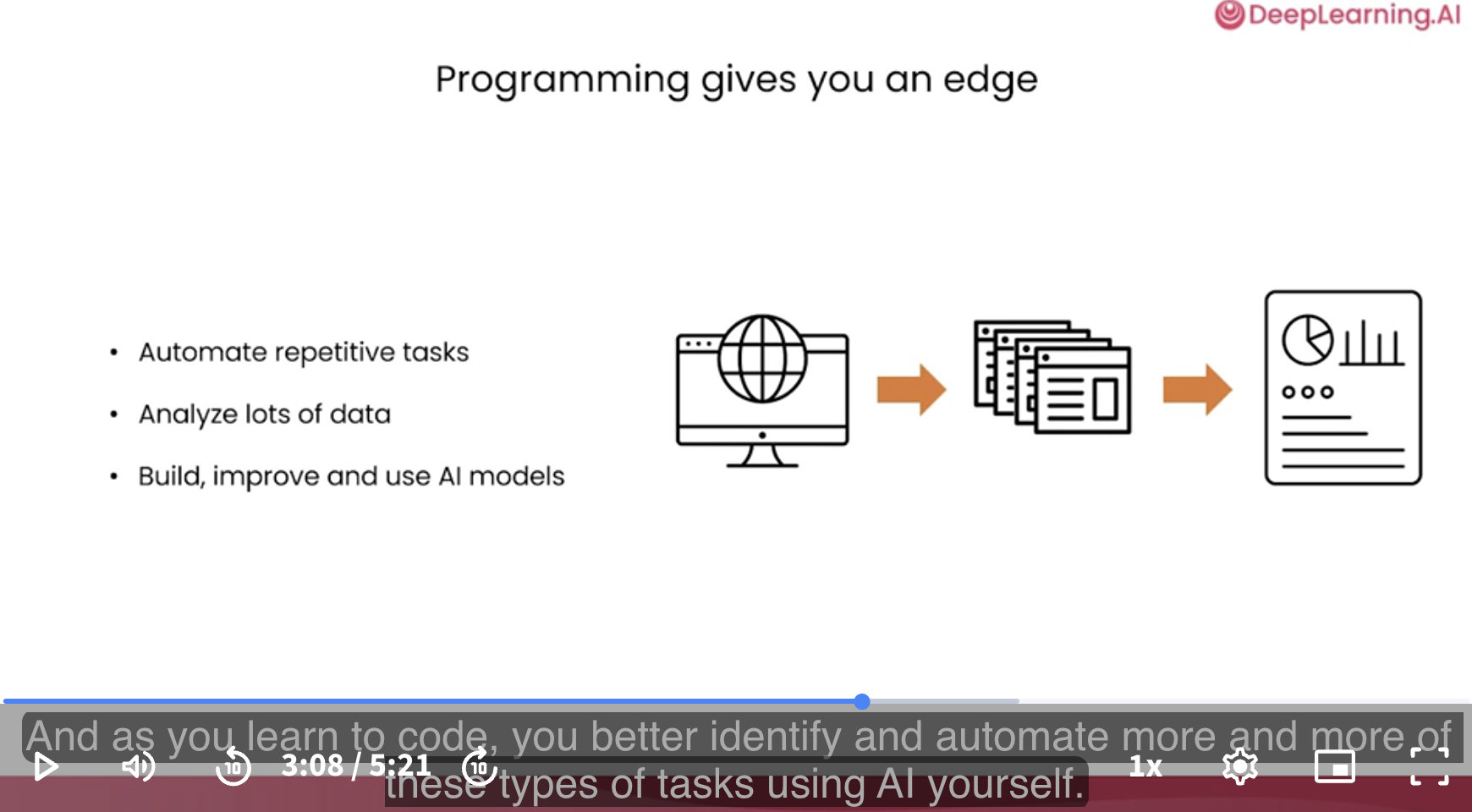
Beyond analyzing data that you or your company may already have, programming also helps you gain brand new insights.
Eg: ChatGPT for market insight: I see many teams, including business analysts, for example, increasingly using AI tools like ChatGPT to automatically browse the web, download a bunch of web pages, and synthesize a report to help them gain market insight to learn more about what’s happening in some part of the world.
As you learn to code, you better identify and automate more and more of these types of tasks using AI yourself.
Programming + AI = superpowers!
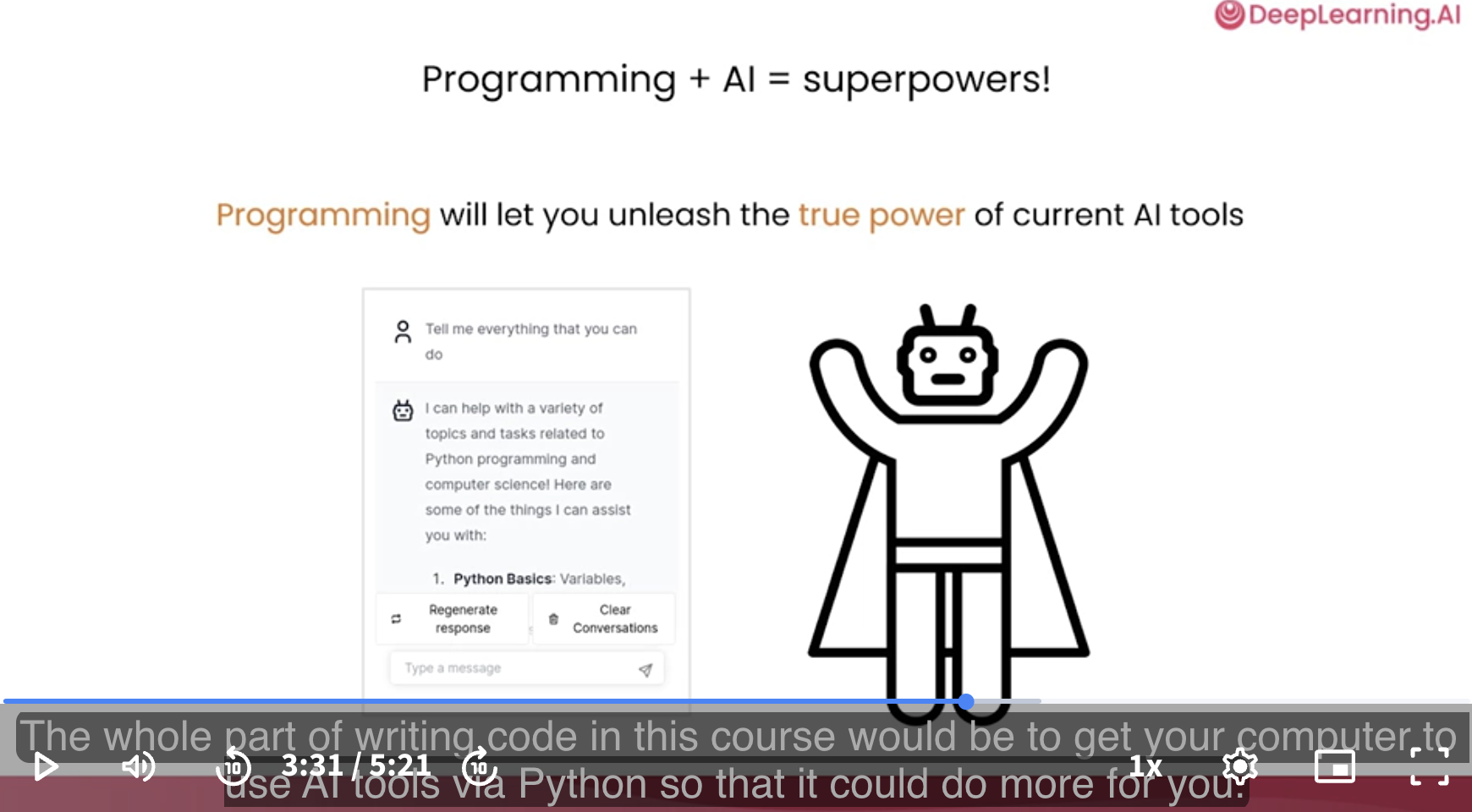
Programming will let you unleash the true power of current AI tools.
It turns out that through programming, you can tell your computer to use AI tools like ChatGPT or other AI language models.
By writing just a few lines of code, not you, but your computer can now also go use ChatGPT to help it carry out tasks.
The whole part of writing code in this course would be to get your computer to use AI tools via Python so that it could do more for you.
Why Python?
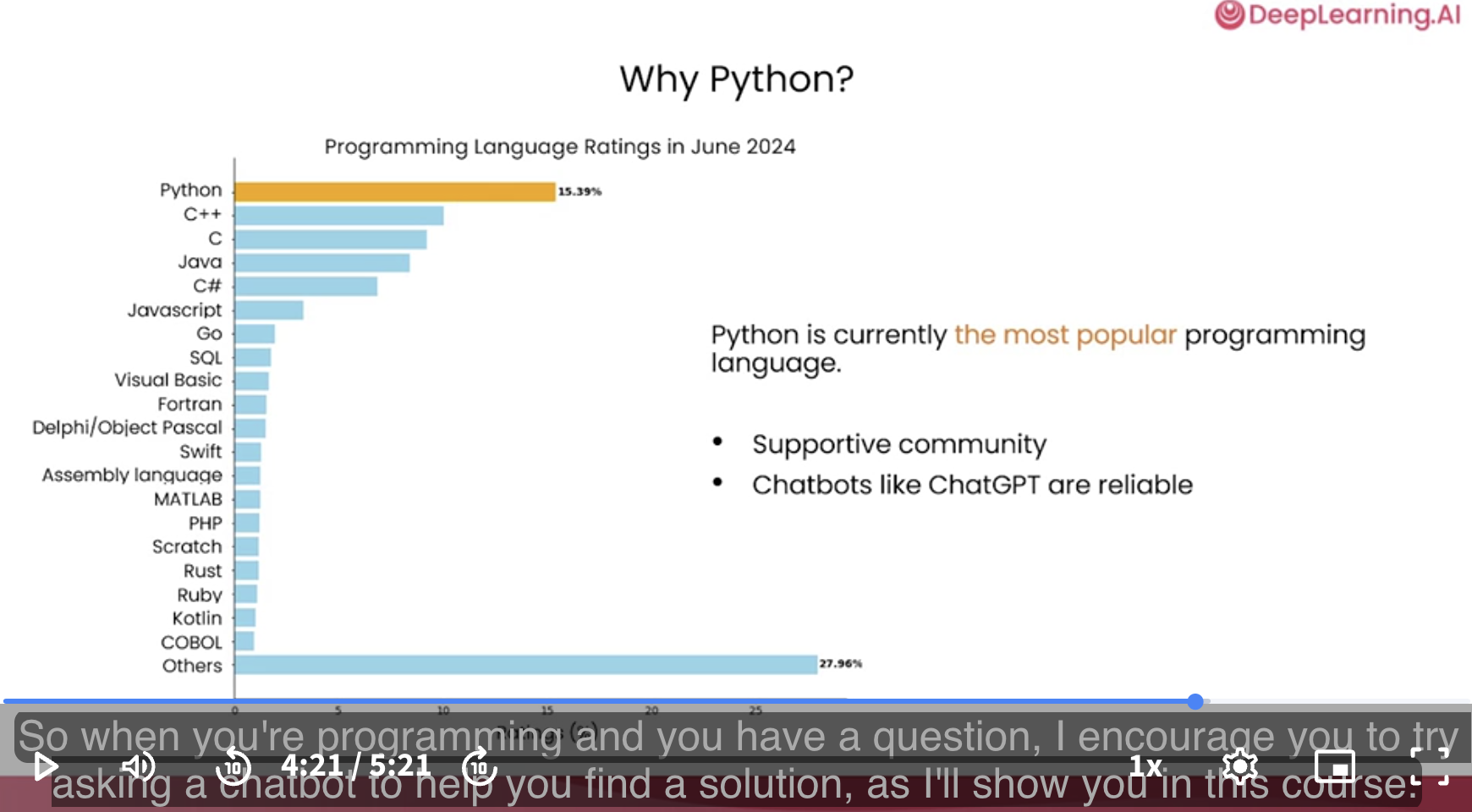
Common amongst AI developers: Most AI developers, like me, use Python pretty much all the time.
Good community of developers: It turns out Python is actually the most popular programming language. Python has a very supportive community of developers. If you have a question, there’s so many Python developers around the world. So you can often get someone to help you out or find someone that has the same question.
Chatbots know Python well: It turns out that chatbots like ChatGPT and Anthropic’s Claude and Google’s Gemini also know Python pretty well. And so they can help you out if you get stuck on a problem. So when you’re programming and you have a question, I encourage you to try asking a chatbot to help you find a solution, as I’ll show you in this course.
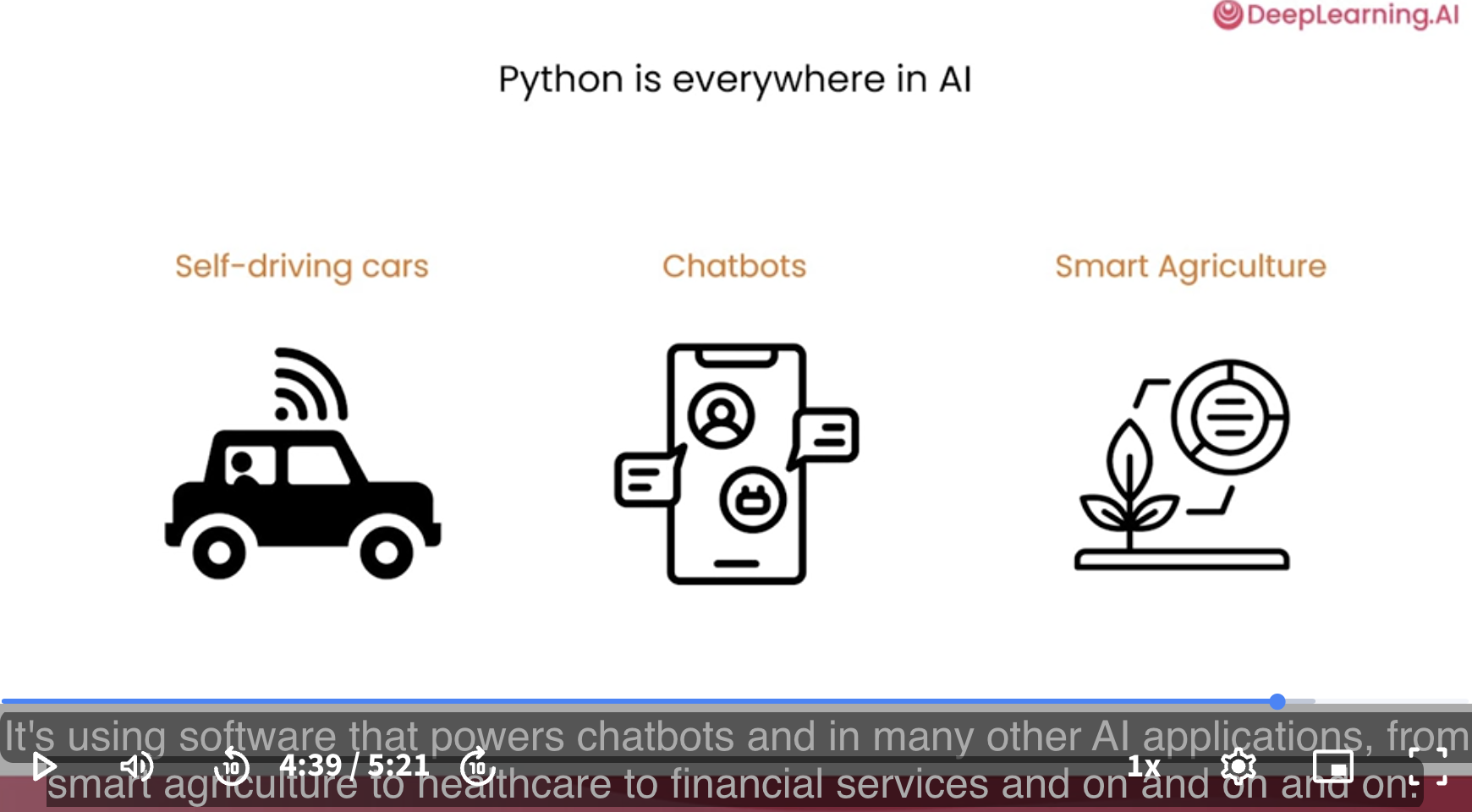
Python is everywhere in AI.
Today, Python is powering tons of AI applications.
Eg: Python is running in many self-driving cars.
Eg: Python is used in software that powers chatbots.
Eg: Python is used in many AI applications, from smart agriculture to healthcare to financial services and so on.
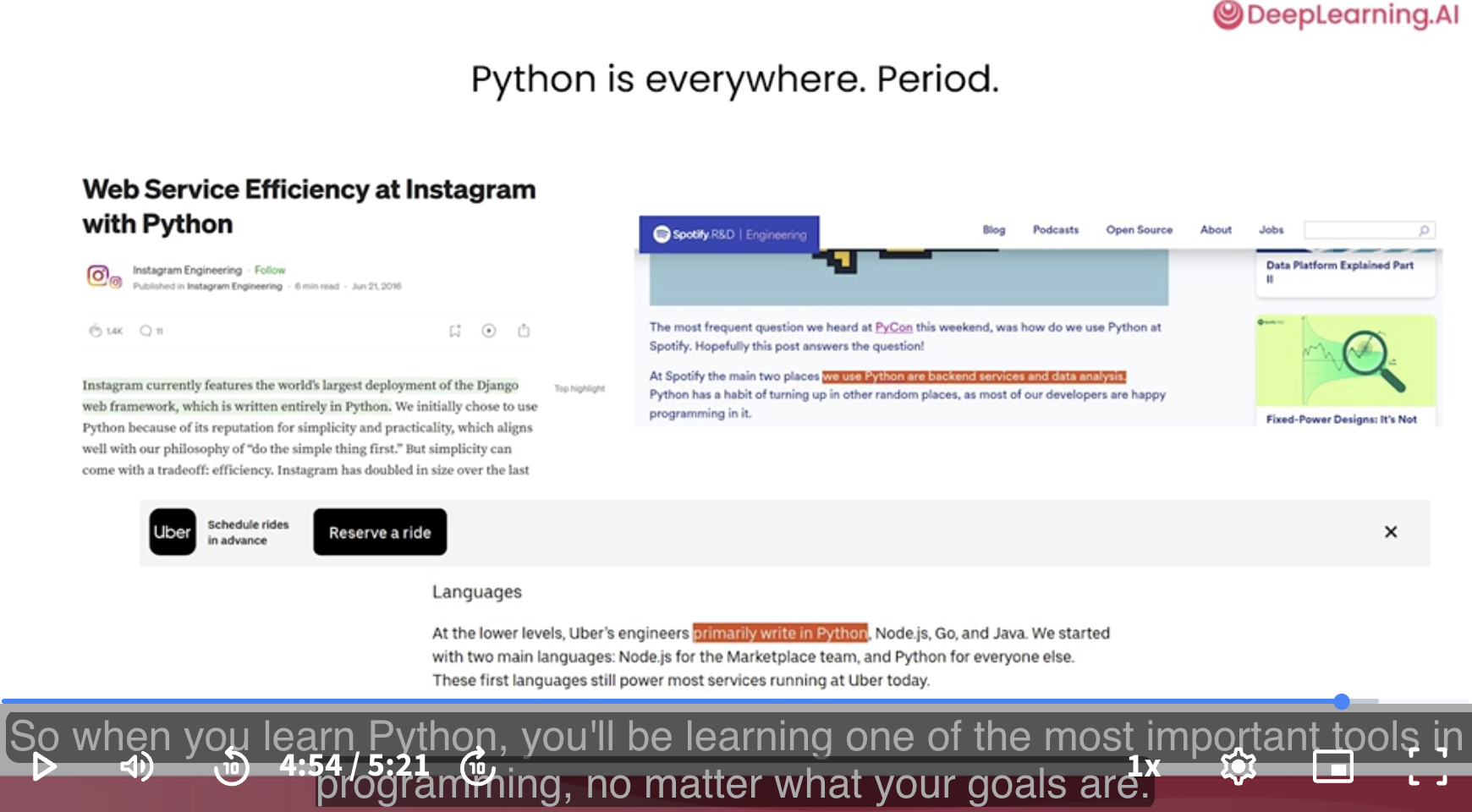
Python is everywhere. Period.
The use of Python extends well beyond the above AI applications. Many websites, smartphone applications, video games, and more are run using Python.
So when you learn Python, you’ll be learning one of the most important tools in programming, no matter what your goals are.
So I hope that this course, AI Python for Beginners, will be just your first step.
It’ll set you up to keep on taking more and more and more steps and doing more and more with Python and with programming in general, so you too can help advance humanity through code.
[Writing Code with Chatbots]
As programmers we are using chatbots a lot in our daily work, and this is making many of us more productive.
Previously, if I was stuck with a programming task or didn’t know what to do next, I might have to find an expert to ask, and that could take a while to find someone, see if they’re available, and so on. But now, whenever you have a question, you can ask an AI chatbot and get an answer right away.
Let’s take a look.
For this course, we’re provided a chatbot that you can use directly. We can type our questions, also called our prompts, into this.
Eg:
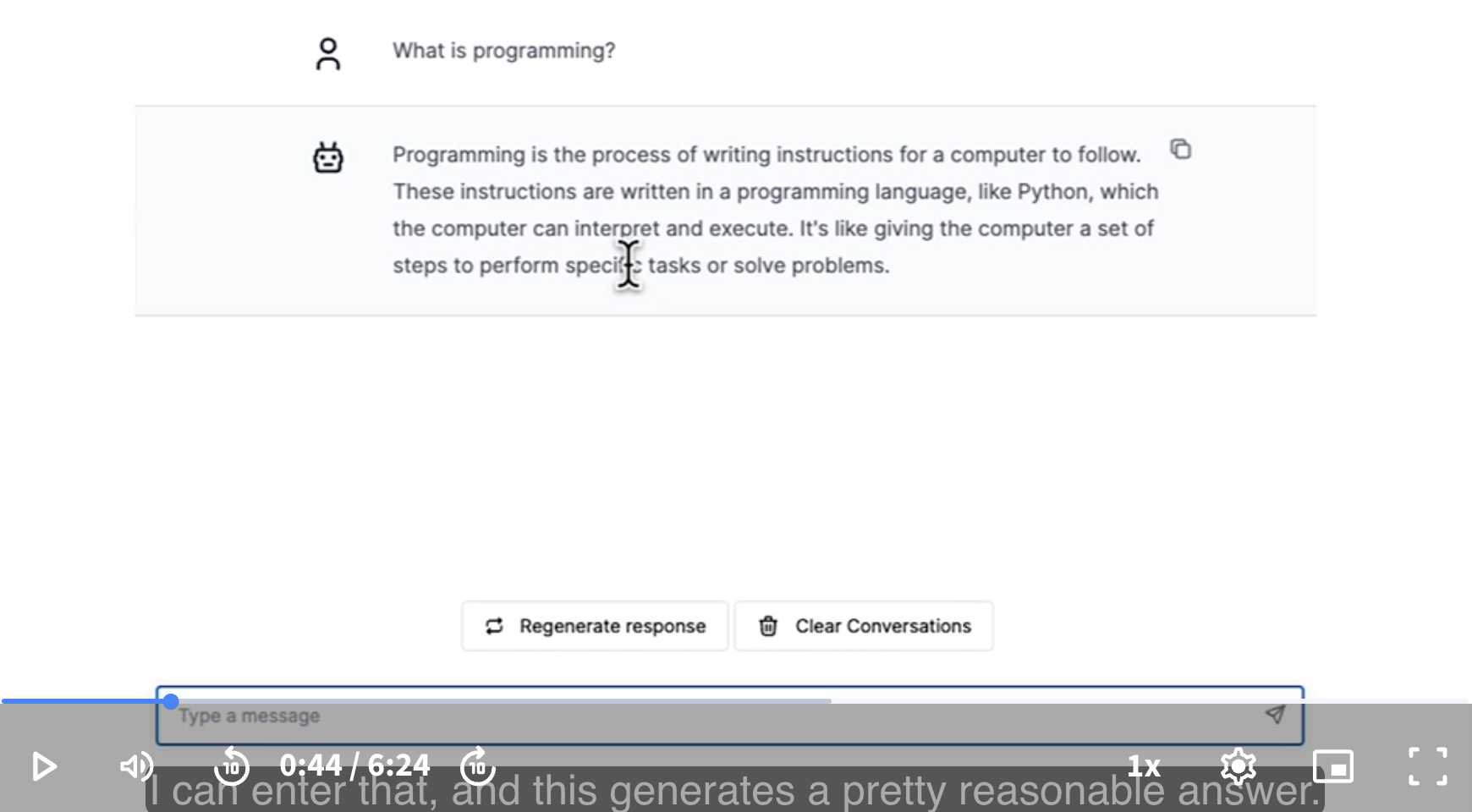
Instructor: Even though we have this chatbot provided right here in this class, feel free also to use third-party chatbots like ChatGPT, Microsoft Copilot, Anthropic Claude, Google Gemini, or any of the other large number of options out there right now.
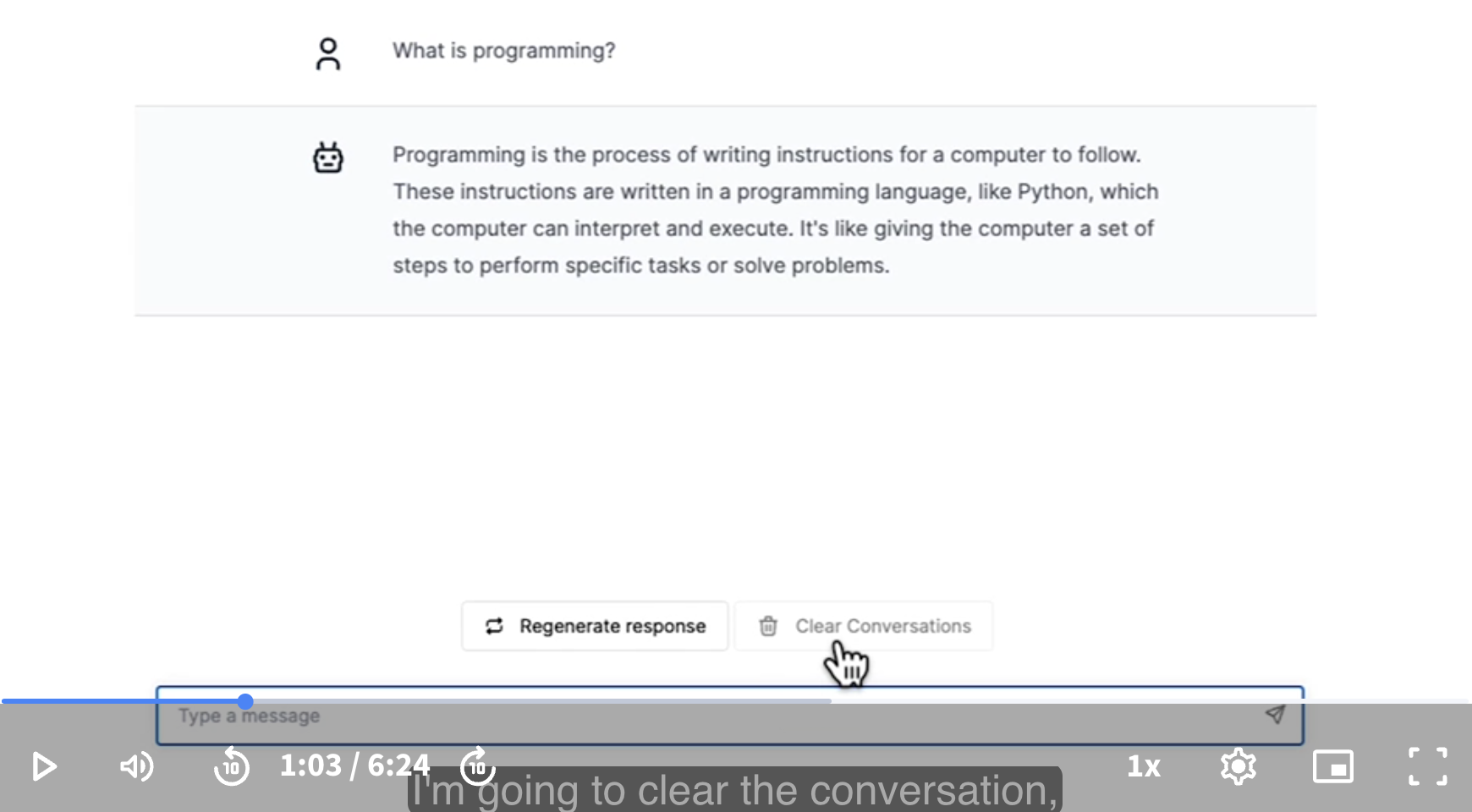
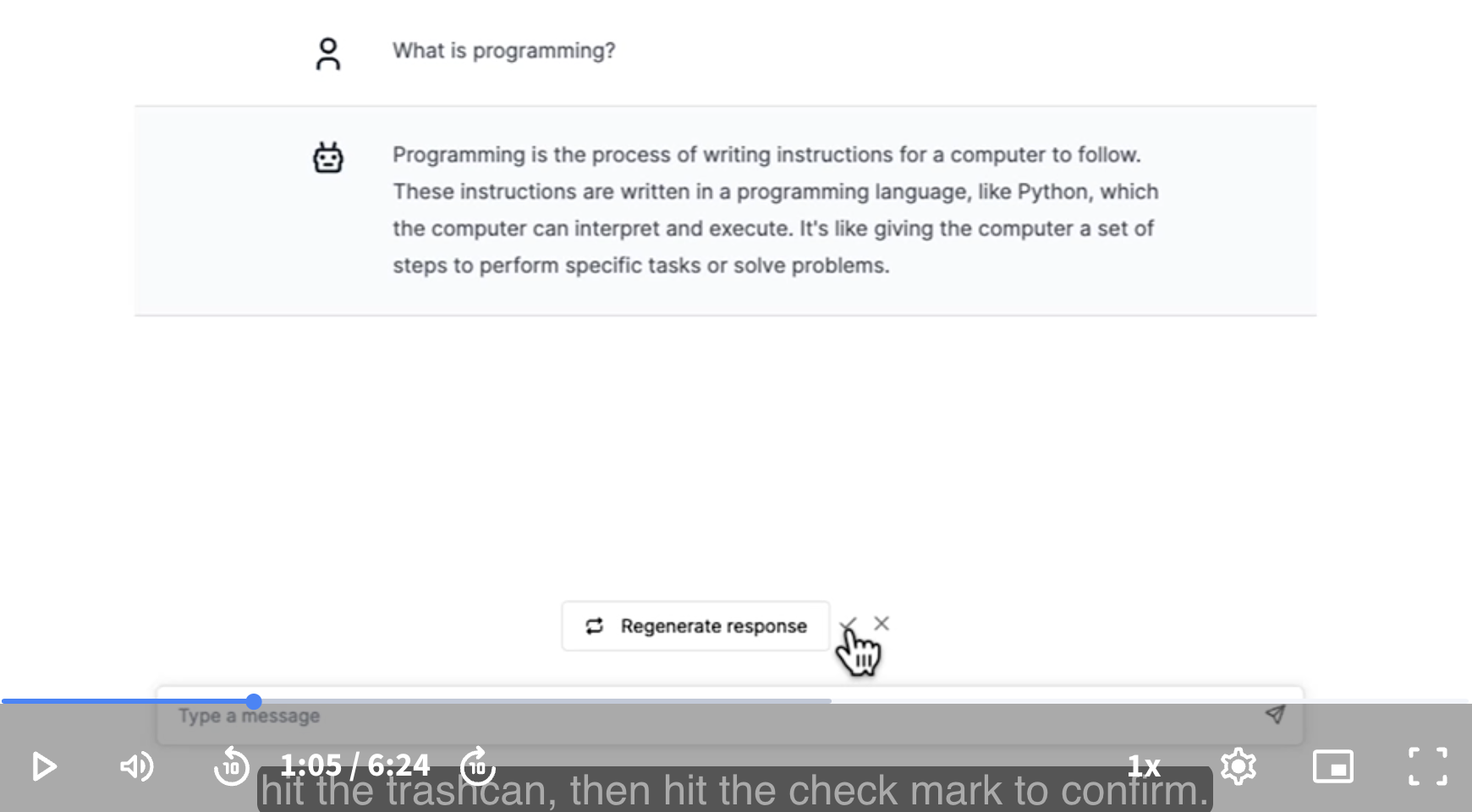
Let’s try another question. I’m going to clear the conversation, hit the trashcan, then hit the check mark to confirm.
Now let me ask, What is Python?
This text I just typed is called a prompt, and after typing the prompt, namely “What is Python?” then we hit enter, and this generates a response. For historical reasons, computer programmers will sometimes call this response a completion.
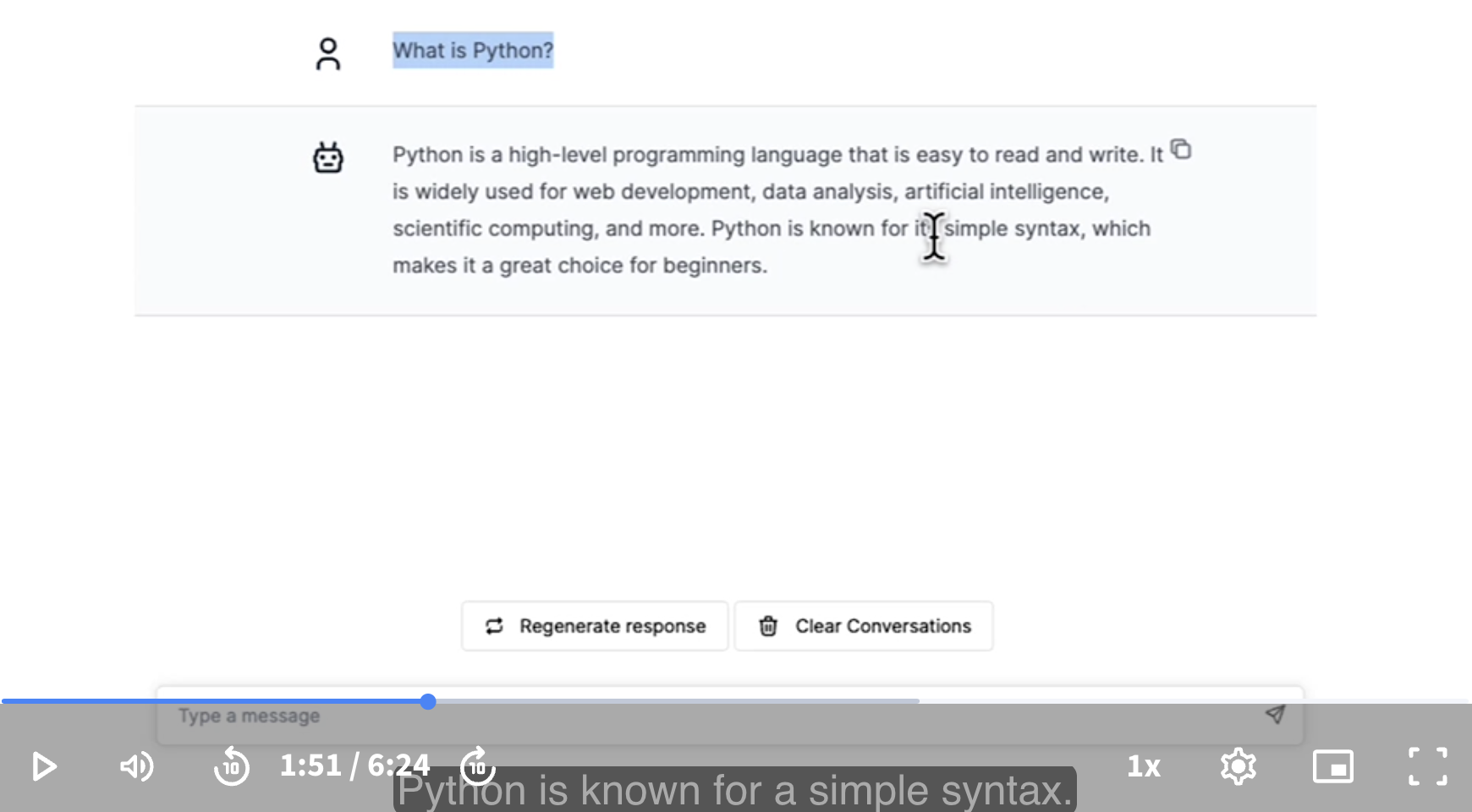
The response or completion mentions Python is known for it’s simple syntax.
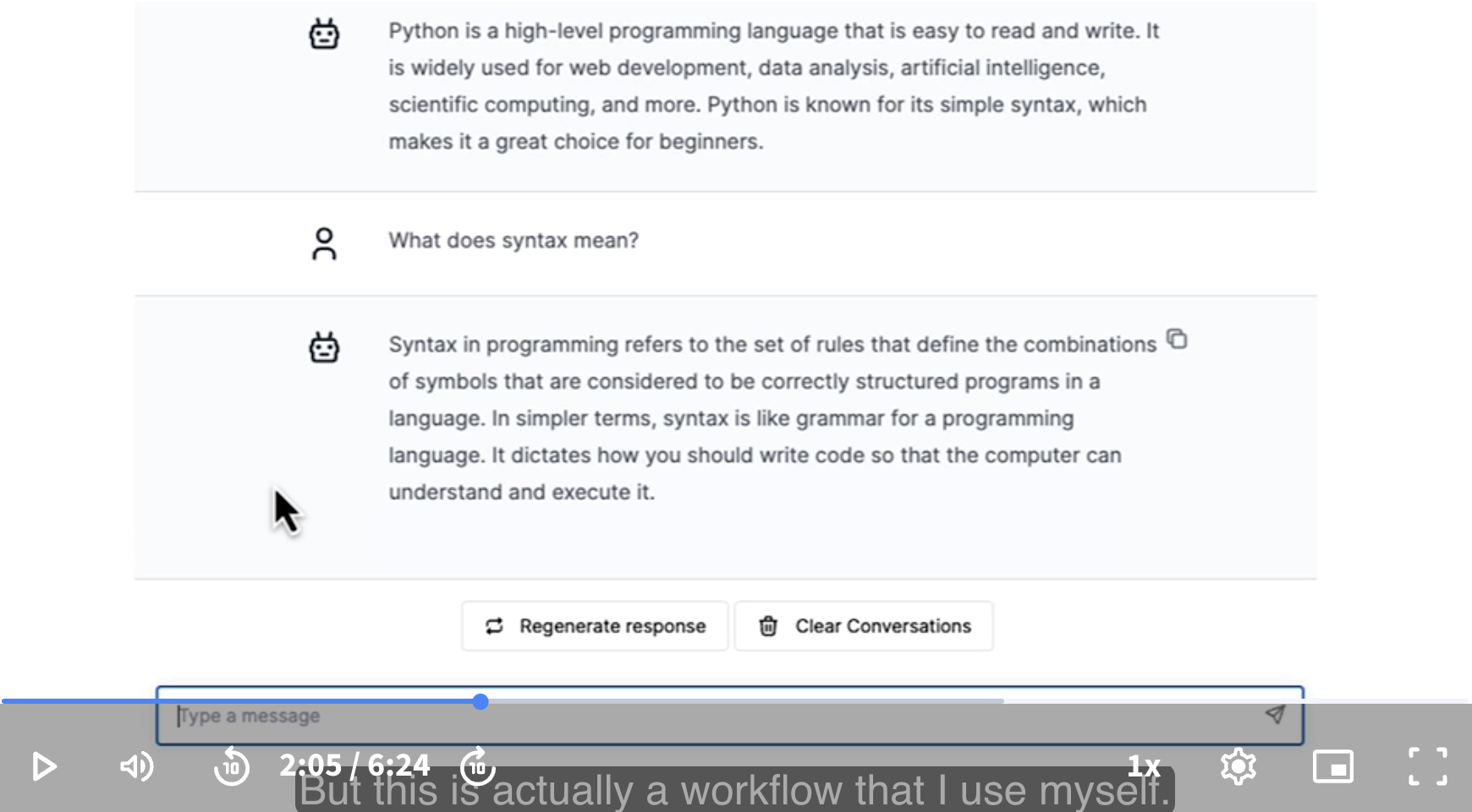
Let’s ask: What does syntax mean?
Instructor: This is actually a workflow that I use myself. I’ll use a chatbot, it’ll give an answer. If there’s part of it that I don’t fully follow, I’ll just ask a follow-up question. Certainly for introductory level of programming questions, chatbots like these tend to give very good answers.
It turns out that there is a program that traditionally is written by brand new programmers. Many, many programmers, including ones that are having fantastic careers today, they read about the news, had started programming, writing a certain program. Let’s find out what this is.
We will see it is the “Hello, World!” program.
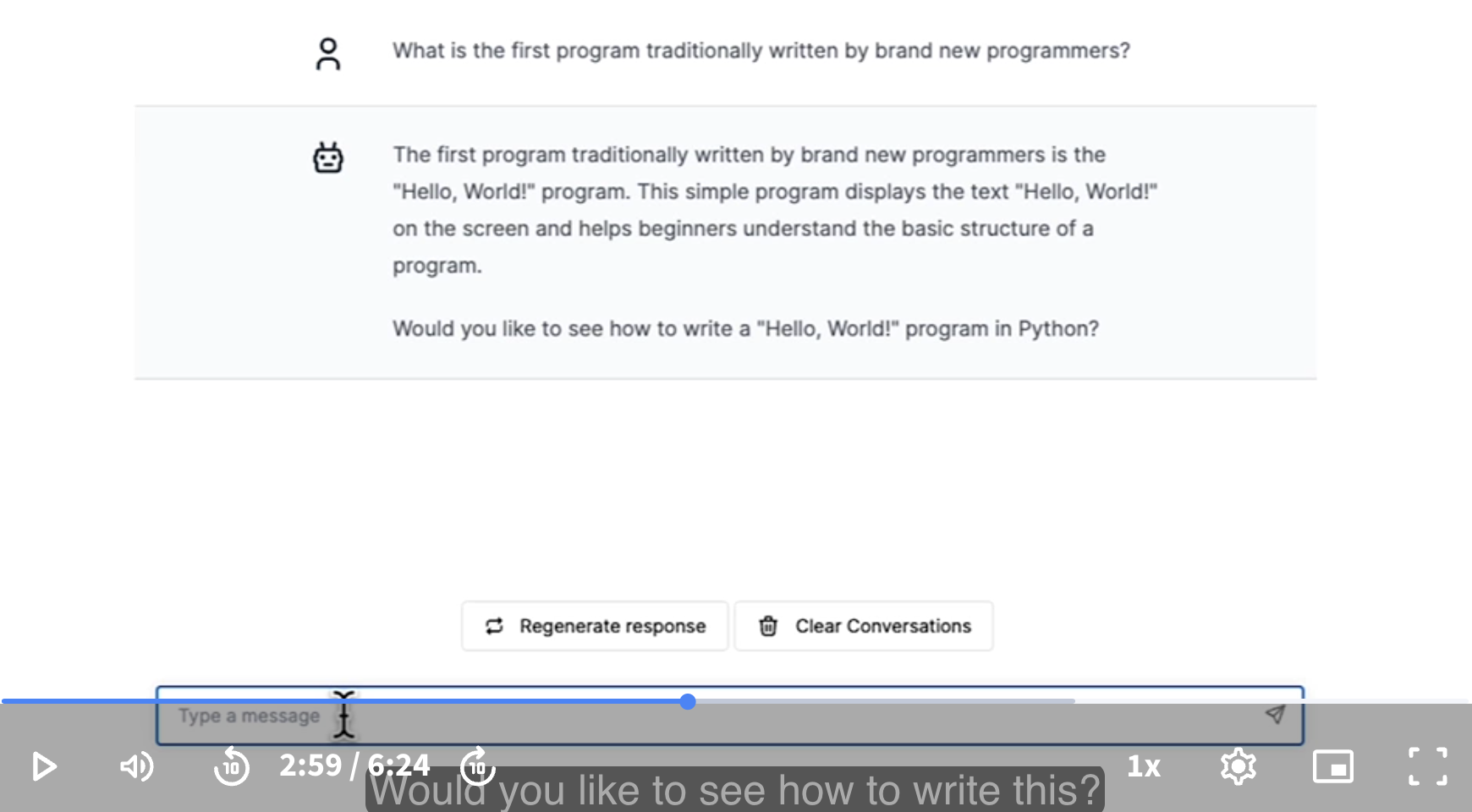
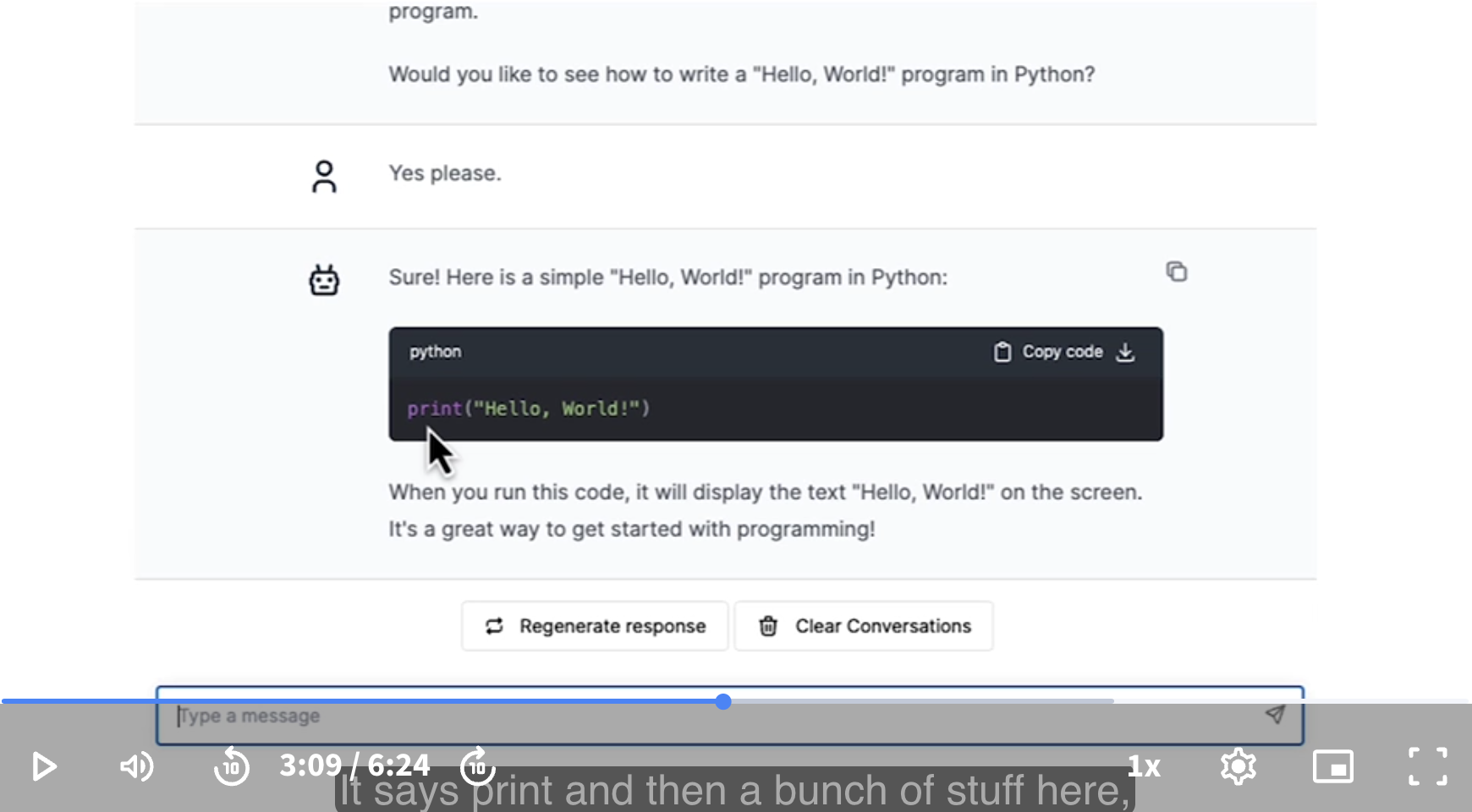
We just got a chatbot to write a piece of code for us. It says print and then a bunch of stuff here, but this will tell the computer to print out the message, Hello World.
In the next video, we’ll take a look at how to actually run this computer program, when you start your programming to tell your computer to say hello. Your program wakes up the first time and says, Hello World, I’m here. That’s why we tell the computer to print Hello World.
Instructor: If you try a similar prompt to the chatbots out there like ChatGPT or Claude or Gemini, you might need to tell those chatbots that you want to use the Python programming language. Just like there are many human languages, there are many programming languages. If you don’t tell it that you want Python, there’s some chance, hard to say, it may tell you how to print Hello World using a different language than Python.
Let’s ask it: Modify the code you just wrote to say hello to me, not to the world. My name is Andrew.
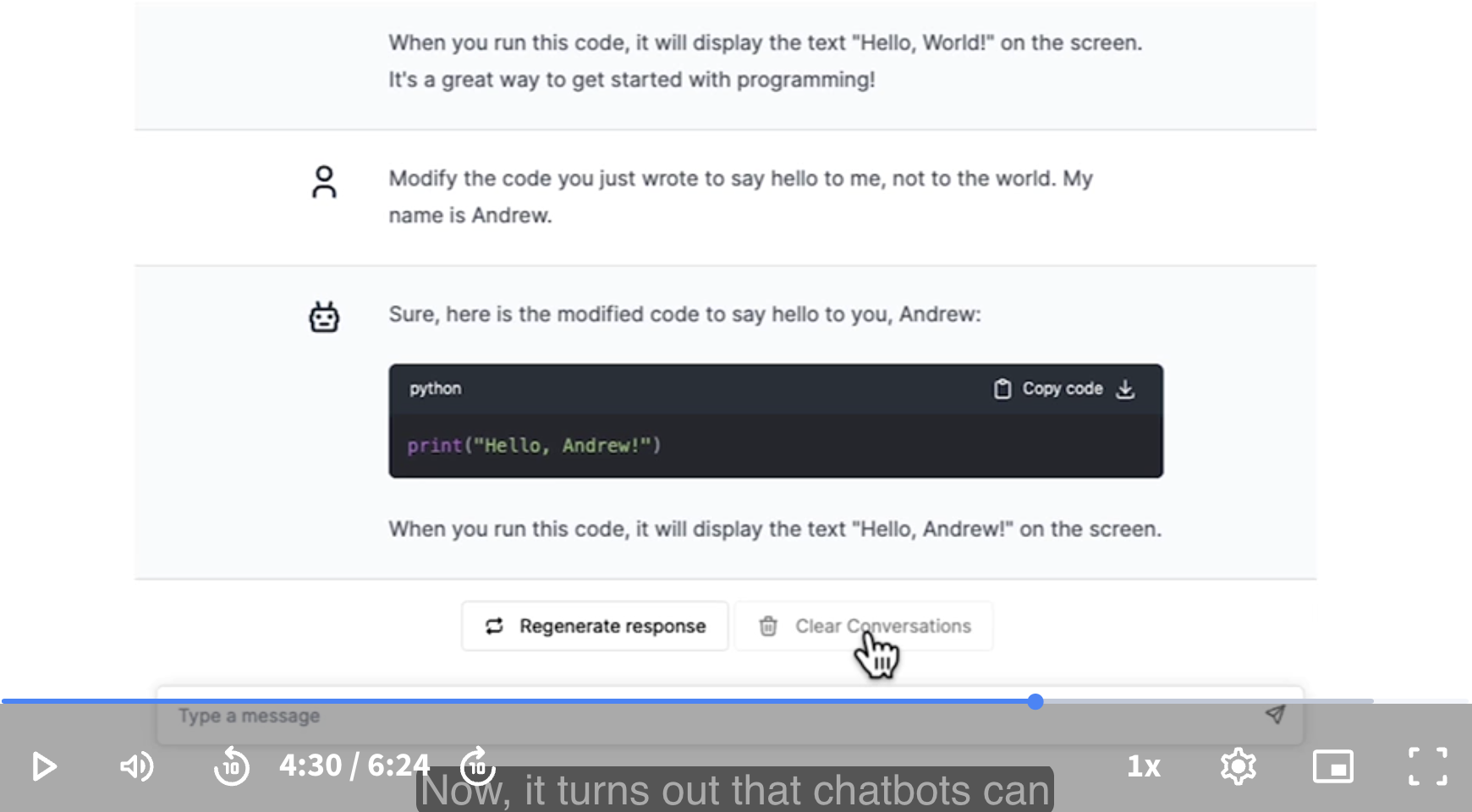
Let’s clear the conversation.
It turns out that chatbots can write much more complex code as well. Here’s an example. Write some code to calculate how many days there are between Christmas (Dec 25), and my birthday (April 18), say in a non-leap year. I have no idea how many days there are between Christmas and my birthday.
This looks like a correct program.
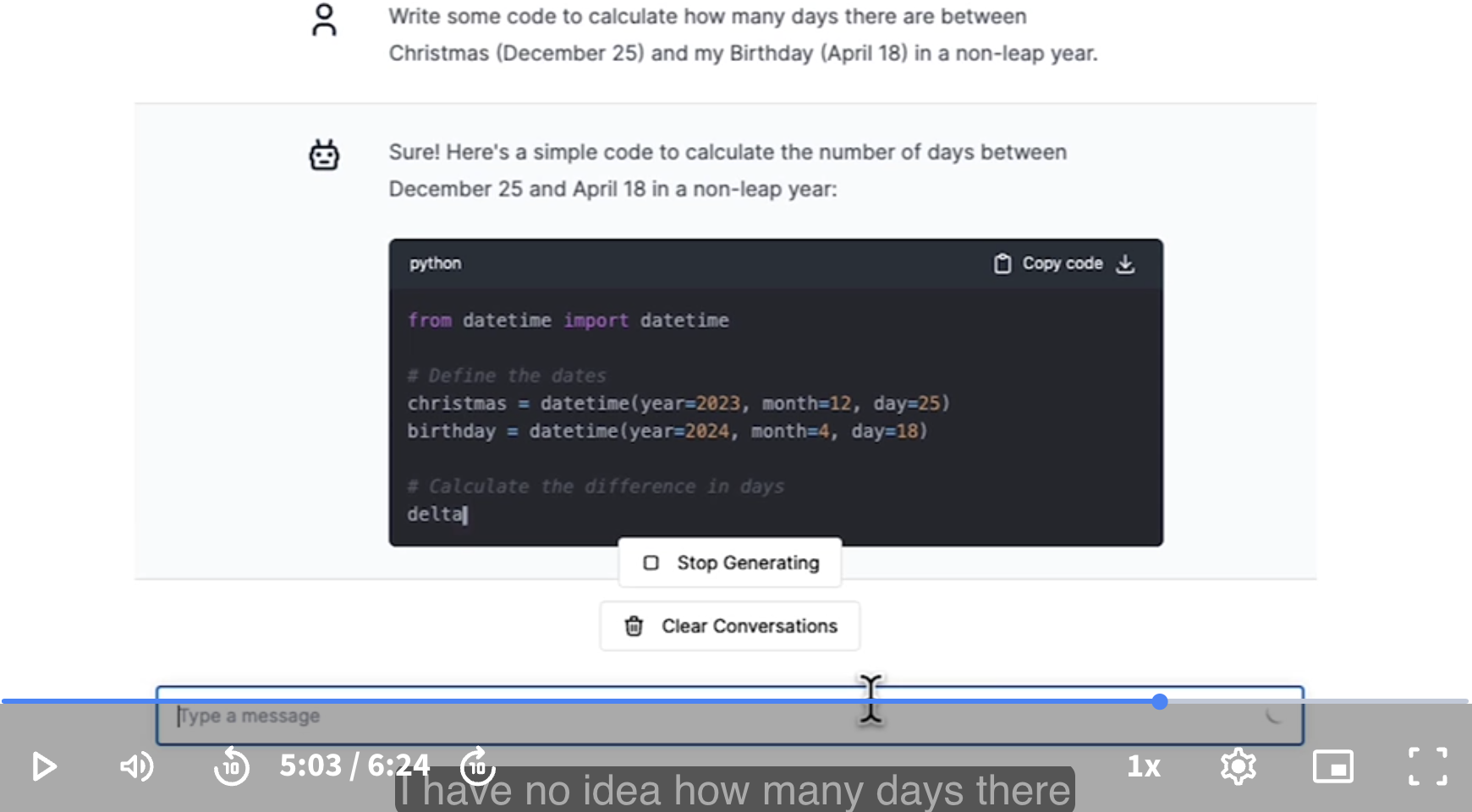
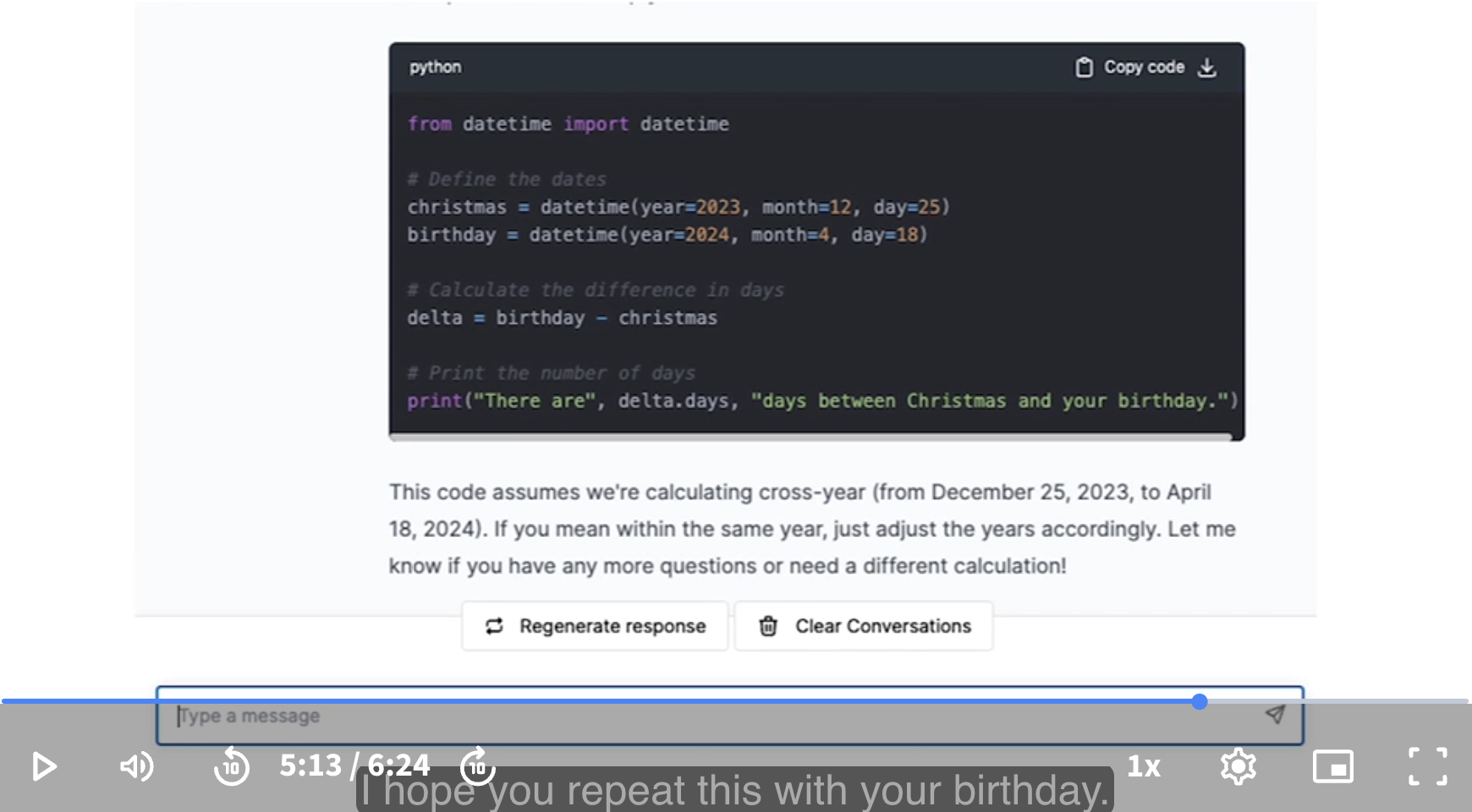
It turns out that AI can write simple programs, simple snippets of code.
it turns out they’re not that good at writing really complex programs.
In all seriousness, I hope you will play with this yourself, and go ahead and ask follow-up questions if there are some specific aspects of this code that you want to dive more deeply into.
Let’s go on to the next video, where we’ll continue to use chatbots, but have a chatbot not just write code for us to look at, but actually execute or run the code. We’ll tell the computer: look at this code, go ahead and follow the instructions in this code. That would be an exciting next step.
[Navigating the learning platform]
Let’s take a look at the coding environments we’ll be using in this course to actually run code.
In the next lesson, you will see an environment that looks a bit like this. I want to highlight the main sections.
The left portion is where you’d be able to write and run code, and over to the right is the video player.
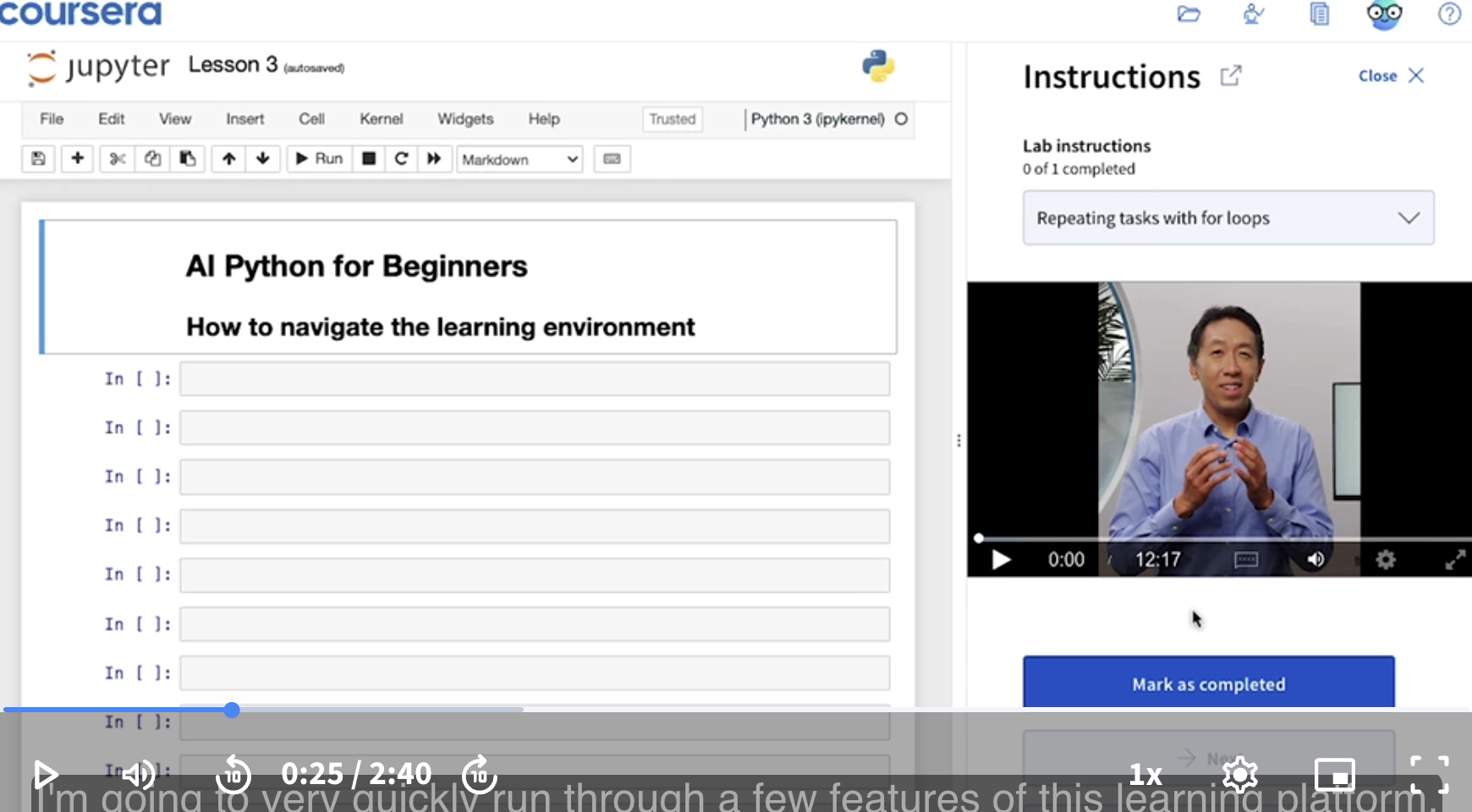
This middle tab also lets you control the size of the coding region versus a video player.
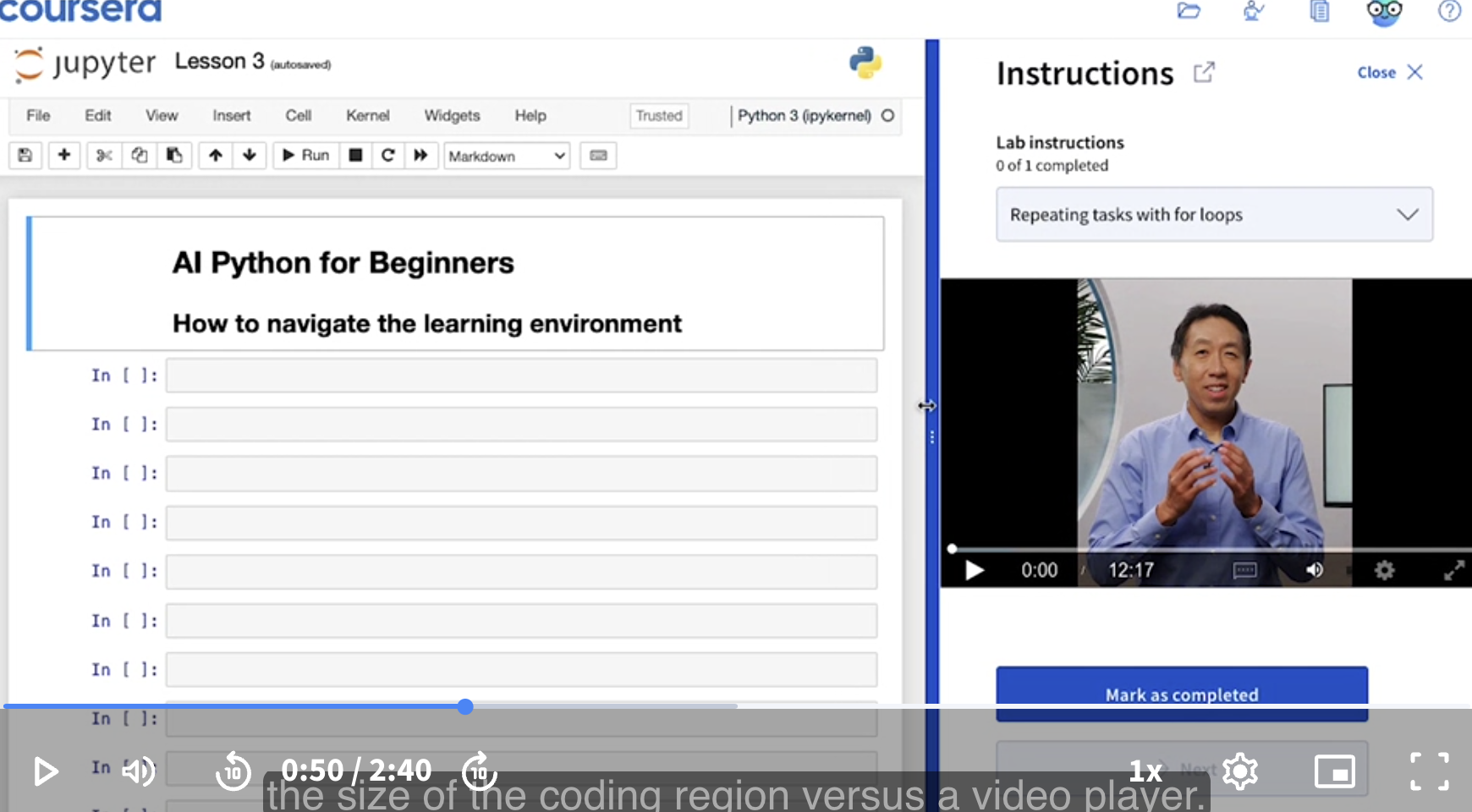
This coding environment is called a Jupyter Notebook. It is the exact same coding environment that many professional programmers and data scientists use day-to-day.
In the last lesson, we used the chatbot. So click this chat button to pop this up.
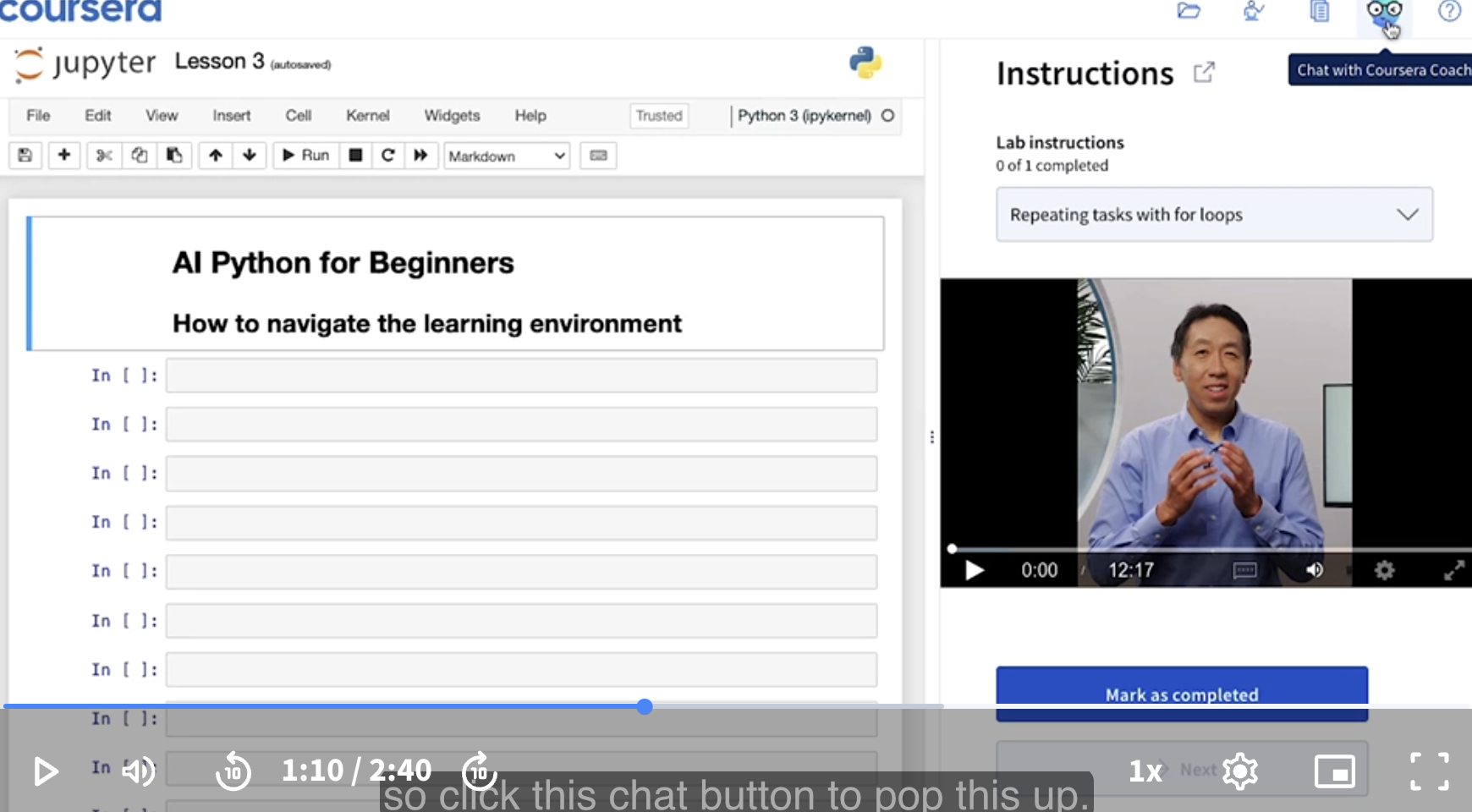
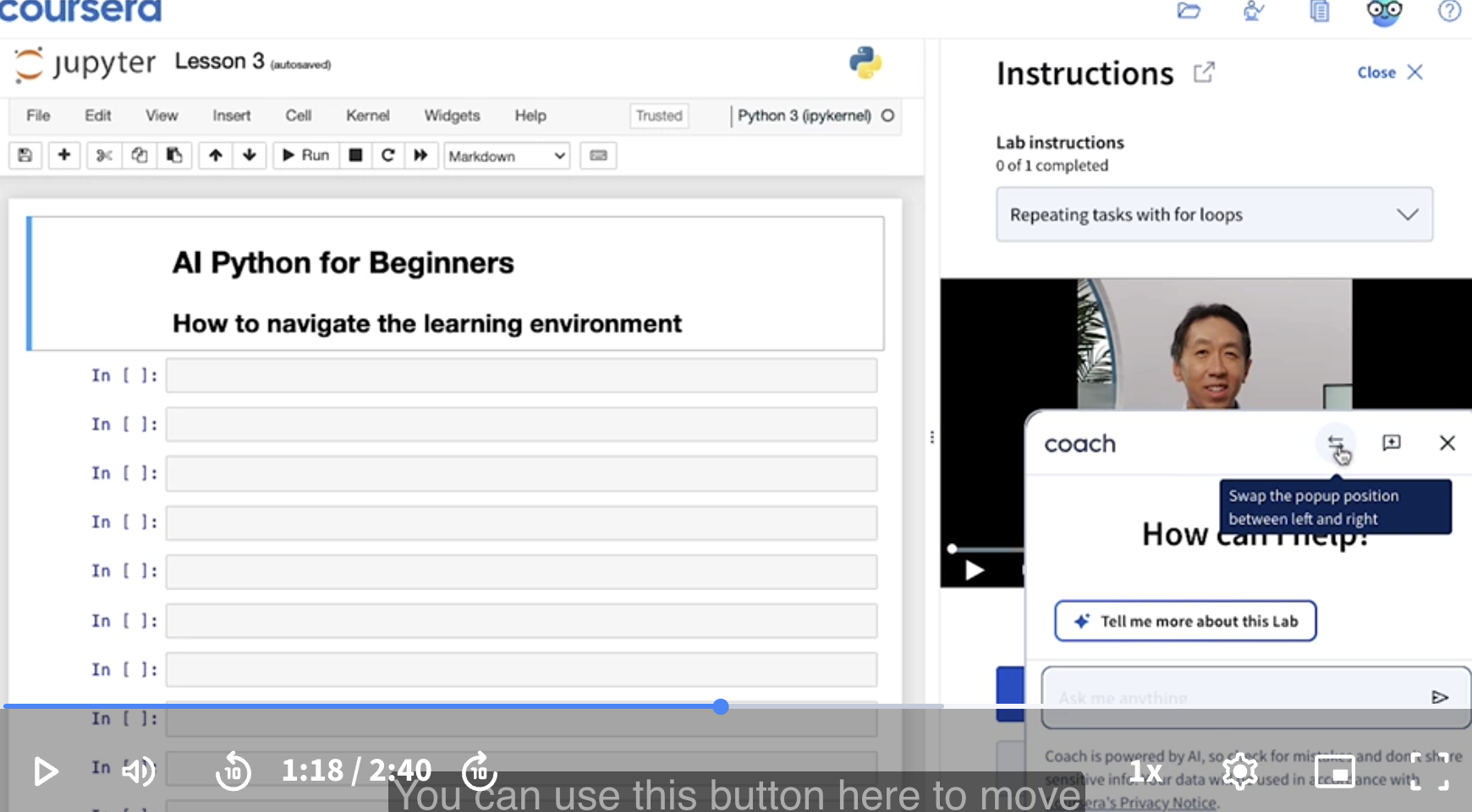
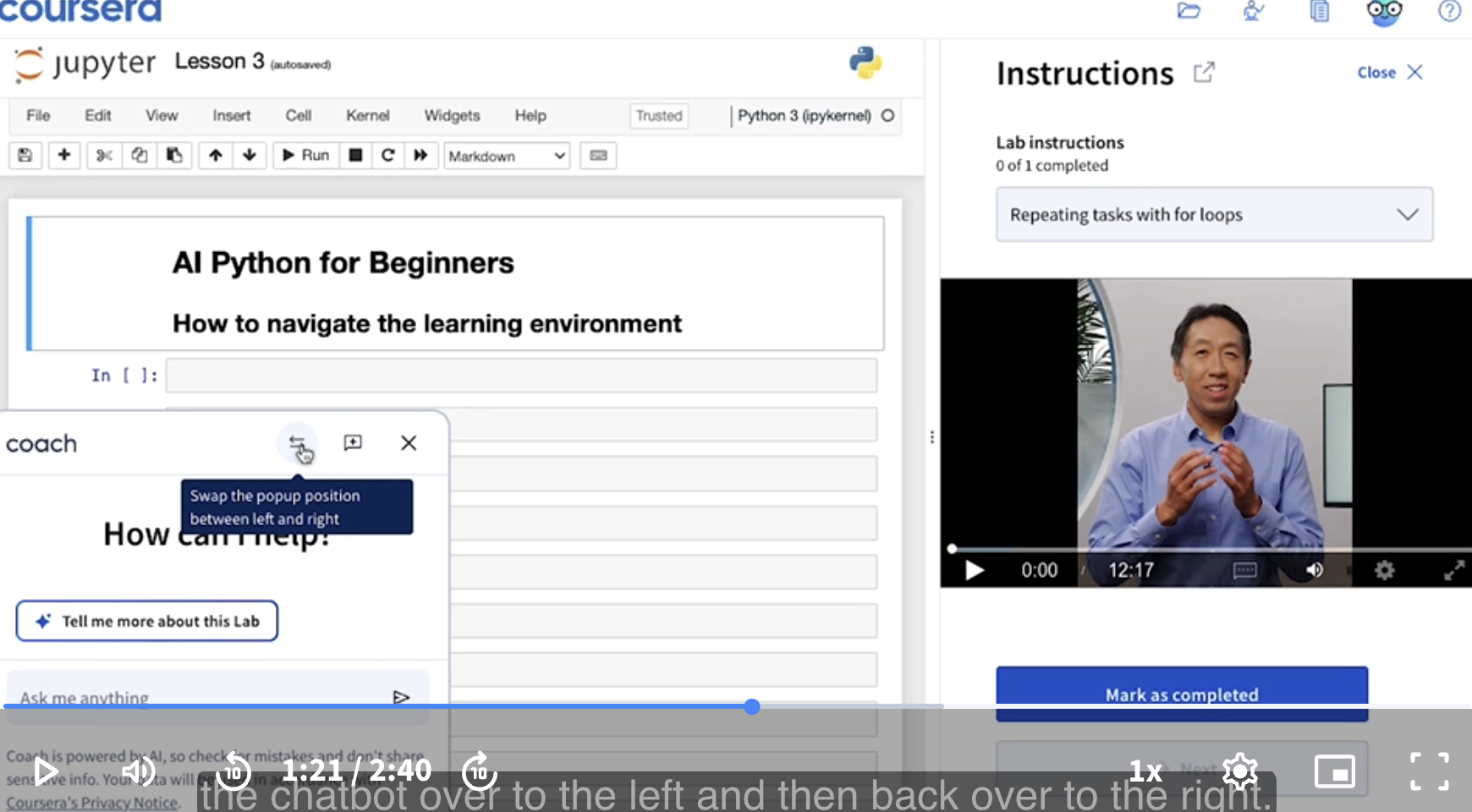
When you first open this chatbot, you’ll find that it blocks the video. You can use this button here to move the chatbot over to the left and then back over to the right.
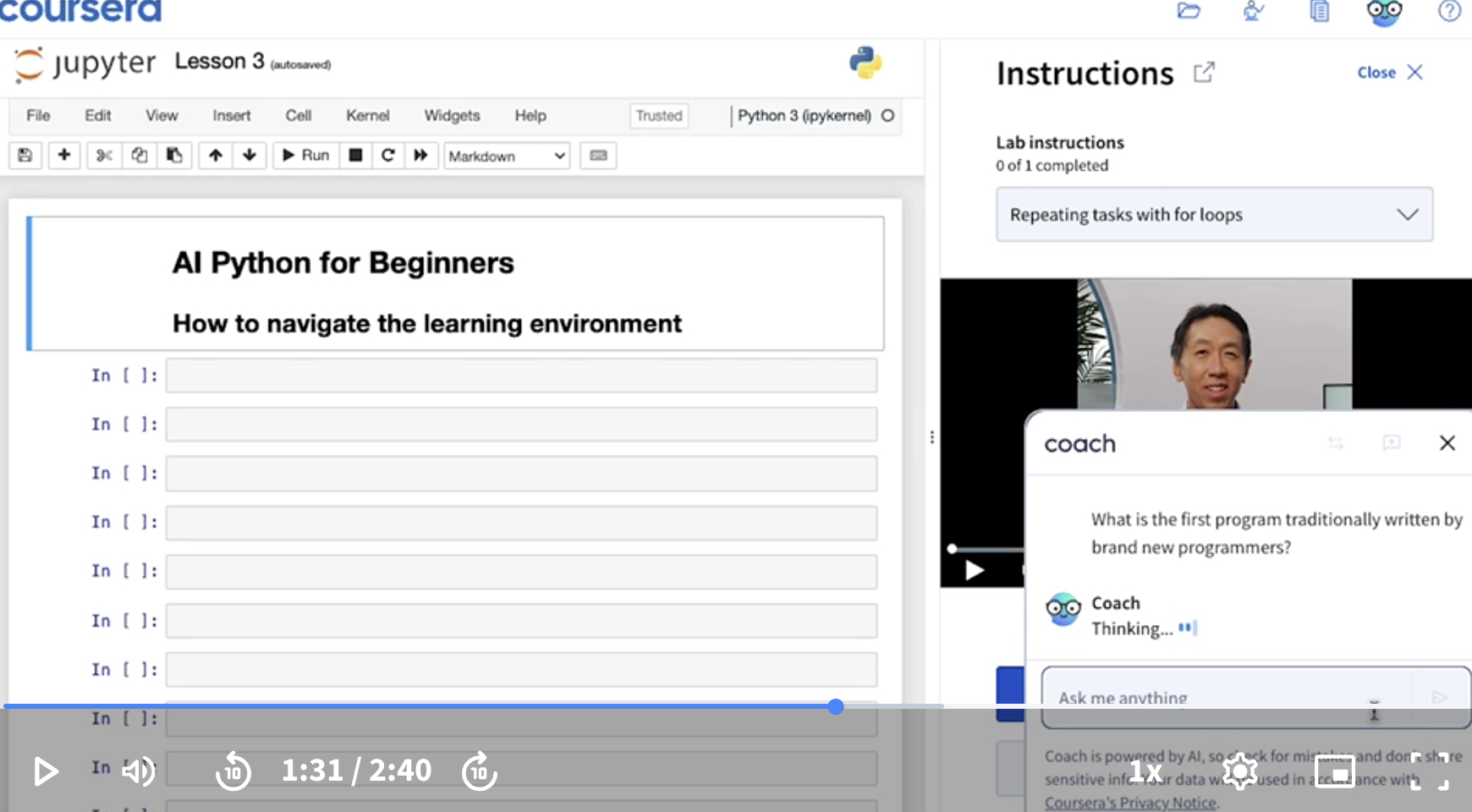
Let’s ask this chatbot a question. What is the first program traditionally written by brand new programmers?
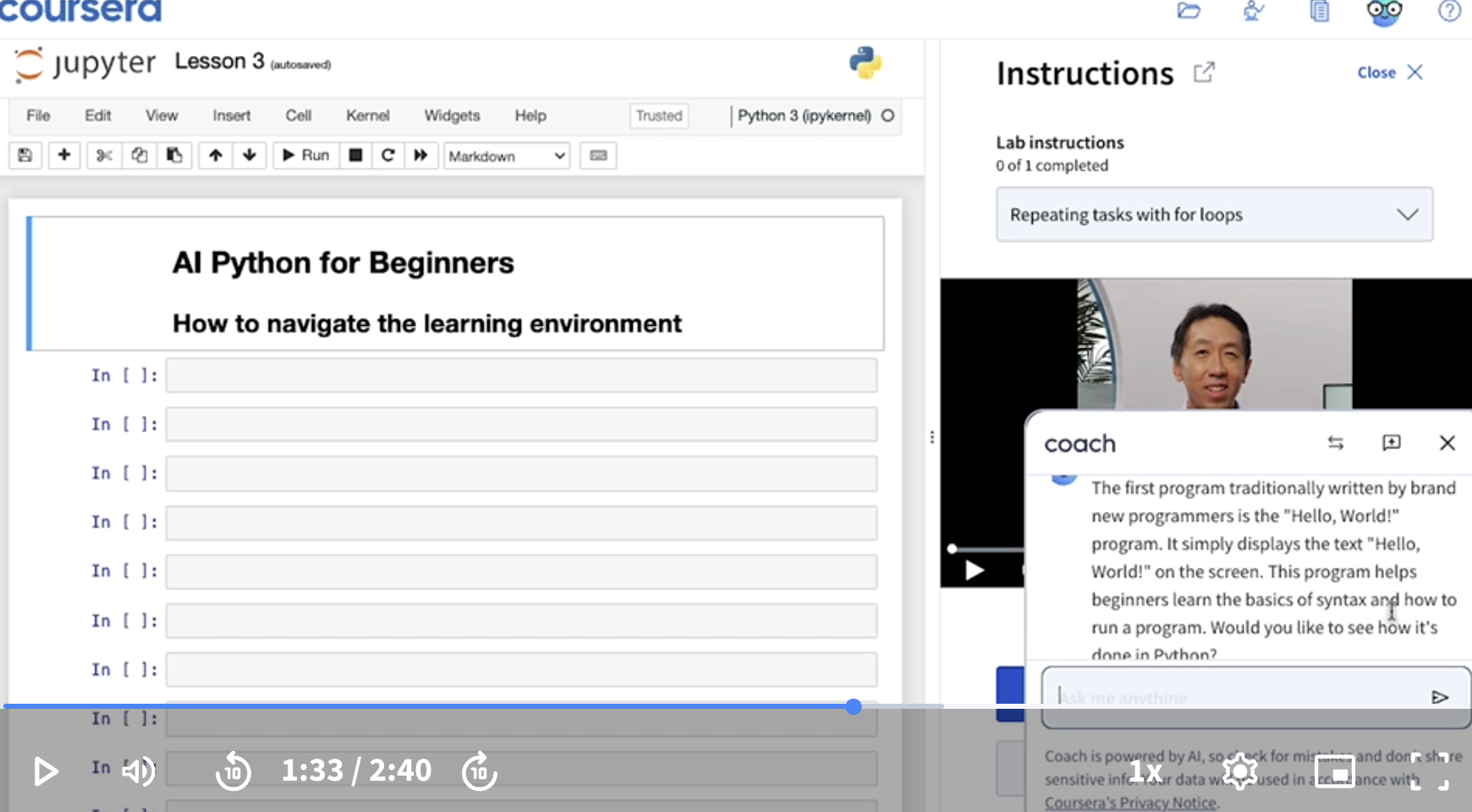
It says would you like to see the code.
Let’s enter Yes.
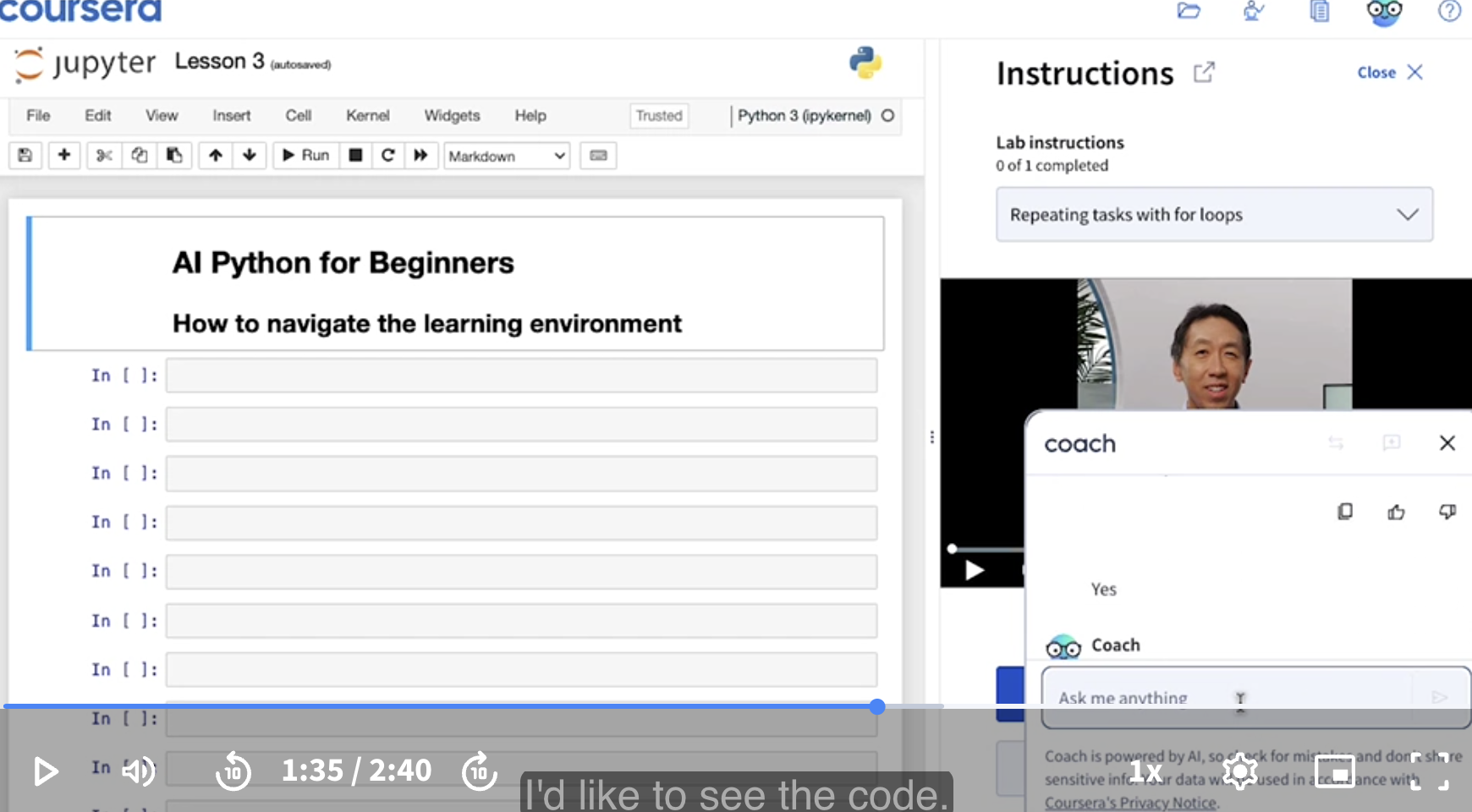
So here is the code.
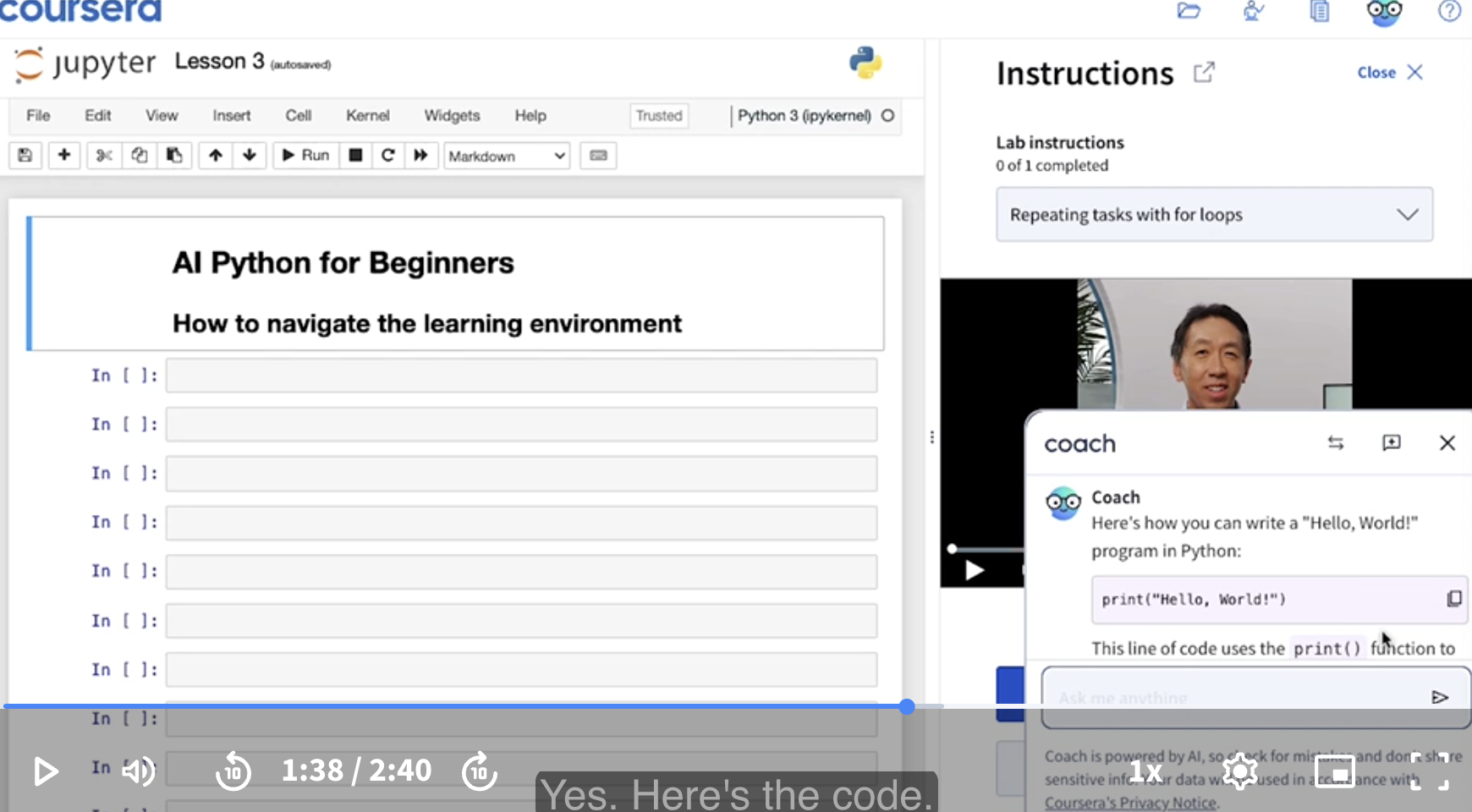
I’m gonna click this button to copy the code.
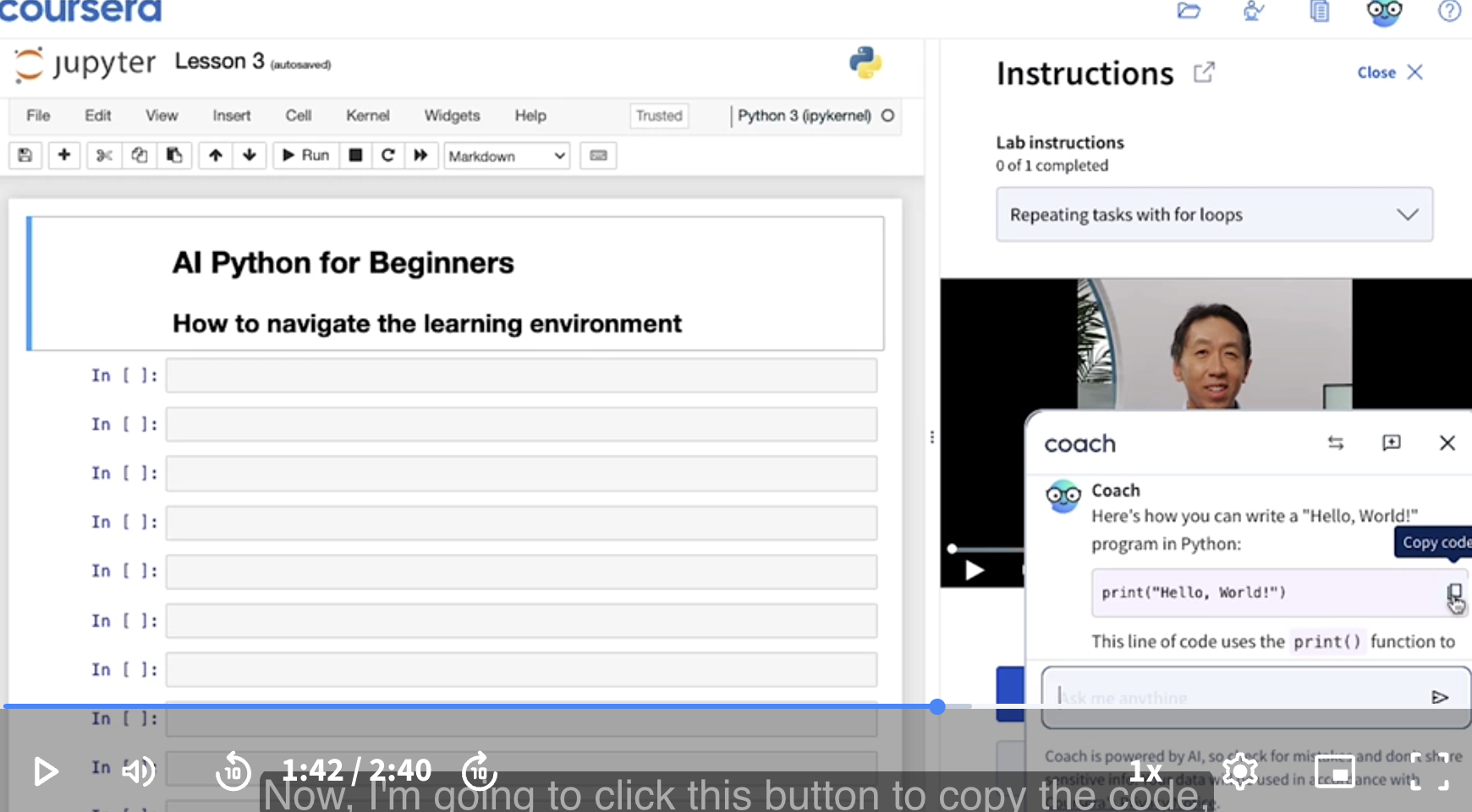
Let’s close the chatbot.
I’m going to go to this coding environment, click my cursor here, and then I’m going to hit Command V or Control V, depending on your operating system, to paste the code that I just copied out of the chatbot.
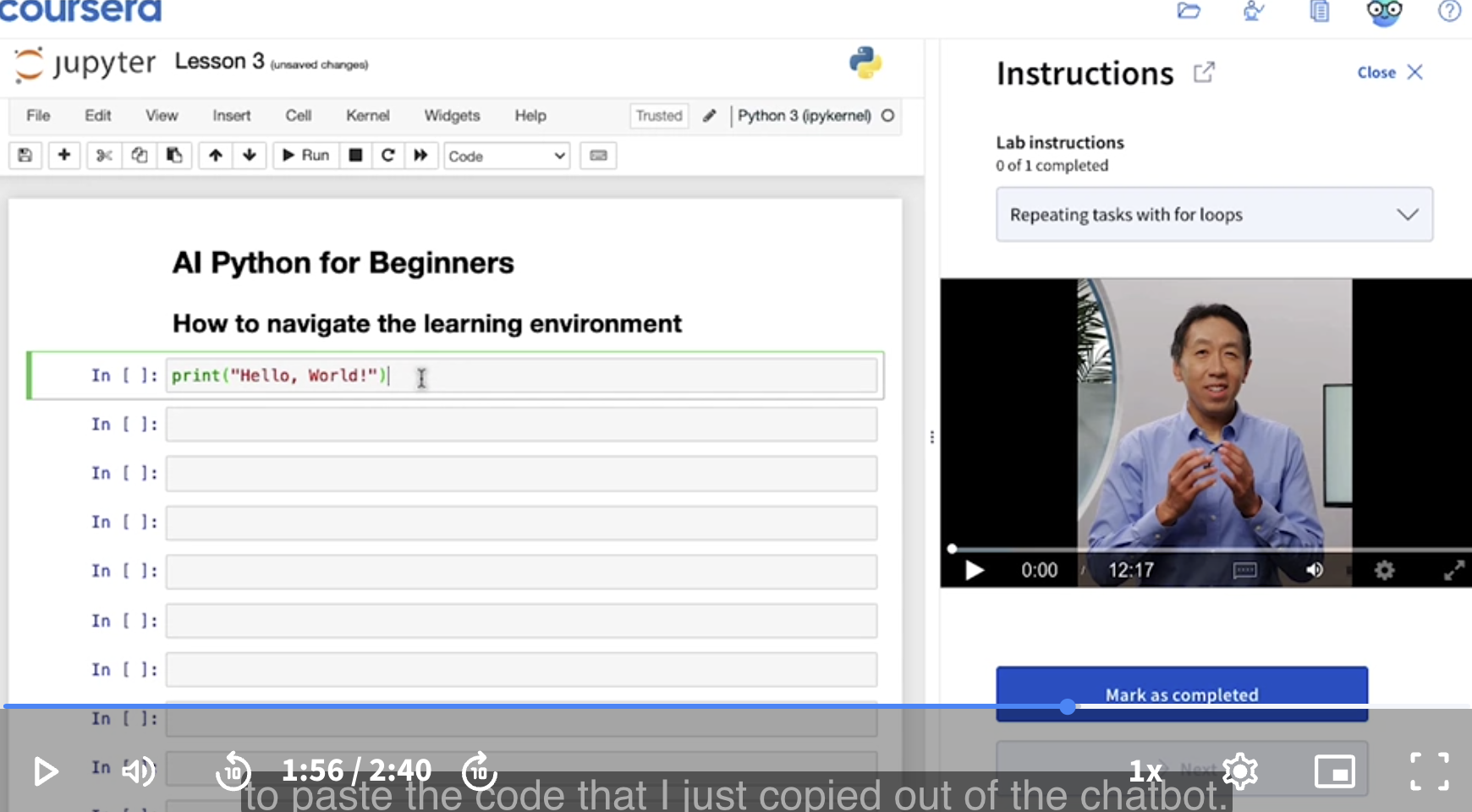
Now, I’d like to go through what’s probably the single most important command in a Jupyter Notebook, which is Shift Enter.
Pressing Shift + Enter runs this line of code. So it says, Hello World!.
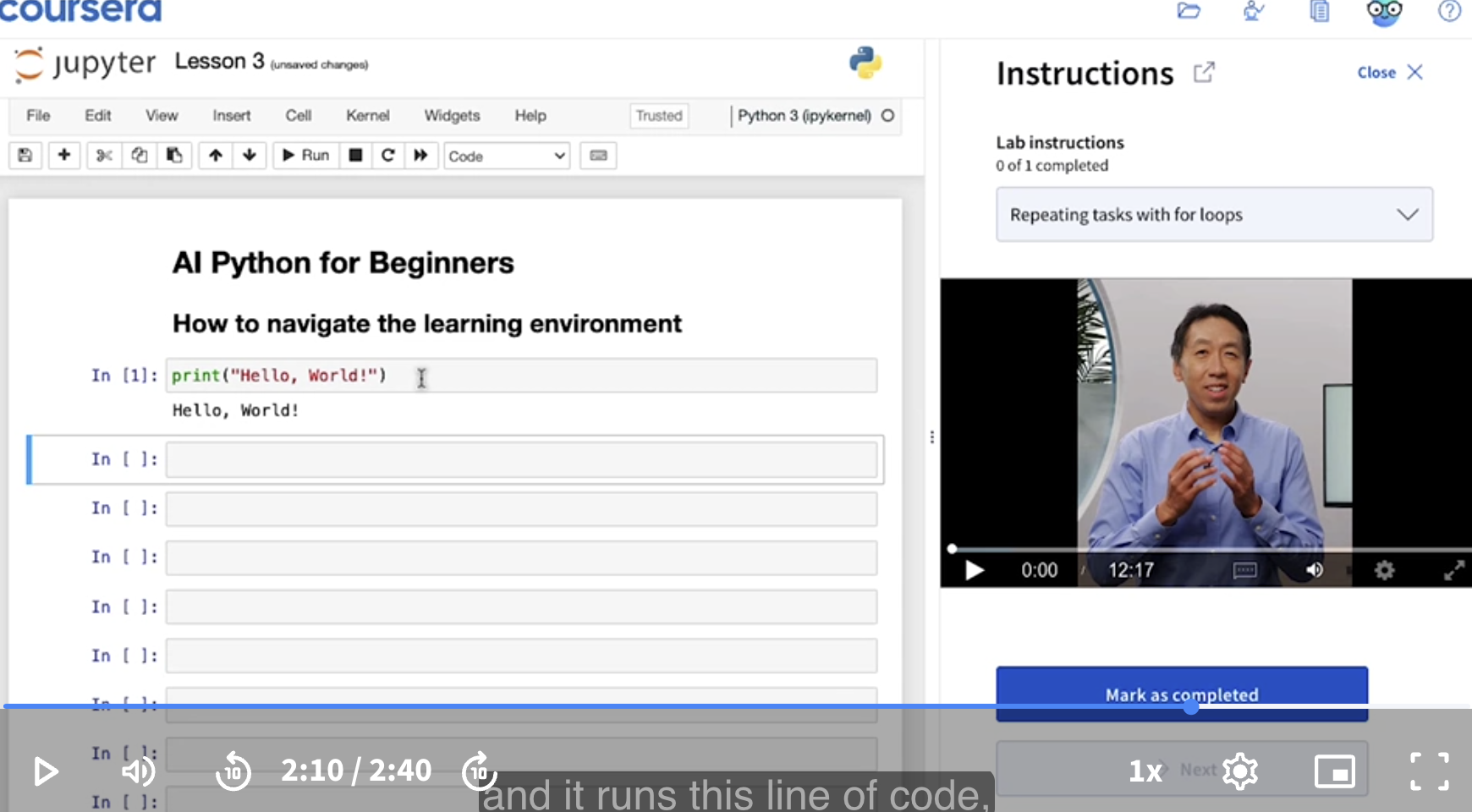
That’s it for this learning platform. I hope you remember the most important command I said just now, which is Shift Enter.
In the next lesson, you will start to run your own computer program.
[Running your first program]
In this lesson, I hope you try running your own Python code.
Rather than just listening to me talk and watching me run the code, later in this video I’d like to invite you to pause this video and actually go into the Jupyter notebook region of this learning environment and run your own code.
Instructor: I think learning to code has some similarities to learning a new human language. You can listen to a teacher tell you about how to speak French or Spanish or some other language. But unless you open your mouth and practice speaking that language yourself, how much you can actually learn will be limited. Learning to use a programming language is like that too. It really helps if you don’t just watch me do it, but if you actually pause the video at a right time which will come in a little bit, and try running the code yourself.
Link to Jupyter notebooks: Link.
Notebook begins.
Lesson 4: Running your first program.
Now it’s your turn to try running Python code!
Hit the play button on the video next to this Jupyter notebook to start the video. Follow along as Andrew explains how to work through this lesson.
- Hello, World!
Below is the code for the “Hello, World!” program that you saw the chatbot write in the previous video.
To run the code, click anywhere into the cell (the box with the code inside), and then type Shift + Enter (Shift + Return on a Mac) to execute.
Input: print("Hello, World!")

Output: Hello, World!
Congratulations! You have just joined the millions of people who have started their computer programming adventure by running this simple code!
- Hello, you!
Let’s create python code to say hello to you, instead of the world. Here are the steps to follow along with Andrew in the video:
-
Open the chatbot
-
Type in this prompt (substituting your name for mine)
Modify the code below to have it say hello to me. print("Hello, World!") My name is Andrew. -
Paste the output code in the cell below using
Ctrl+V(Command+Con a Mac) (Personal: Perhaps a typo. It should beCommand+Vto paste). -
Press
Shift + Enterto submit your prompt
Once the chatbot has returned the code to you, you can copy and paste it into the cell below. Only copy the code in the black box - don’t copy any conversation text that the chatbot writes.
Personal: Pressing the Enter key in most AI chatbots like ChatGPT immediately sends your message, while pressing Shift + Enter creates a new line.
Popup the chatbot. I’m going to enter the prompt.
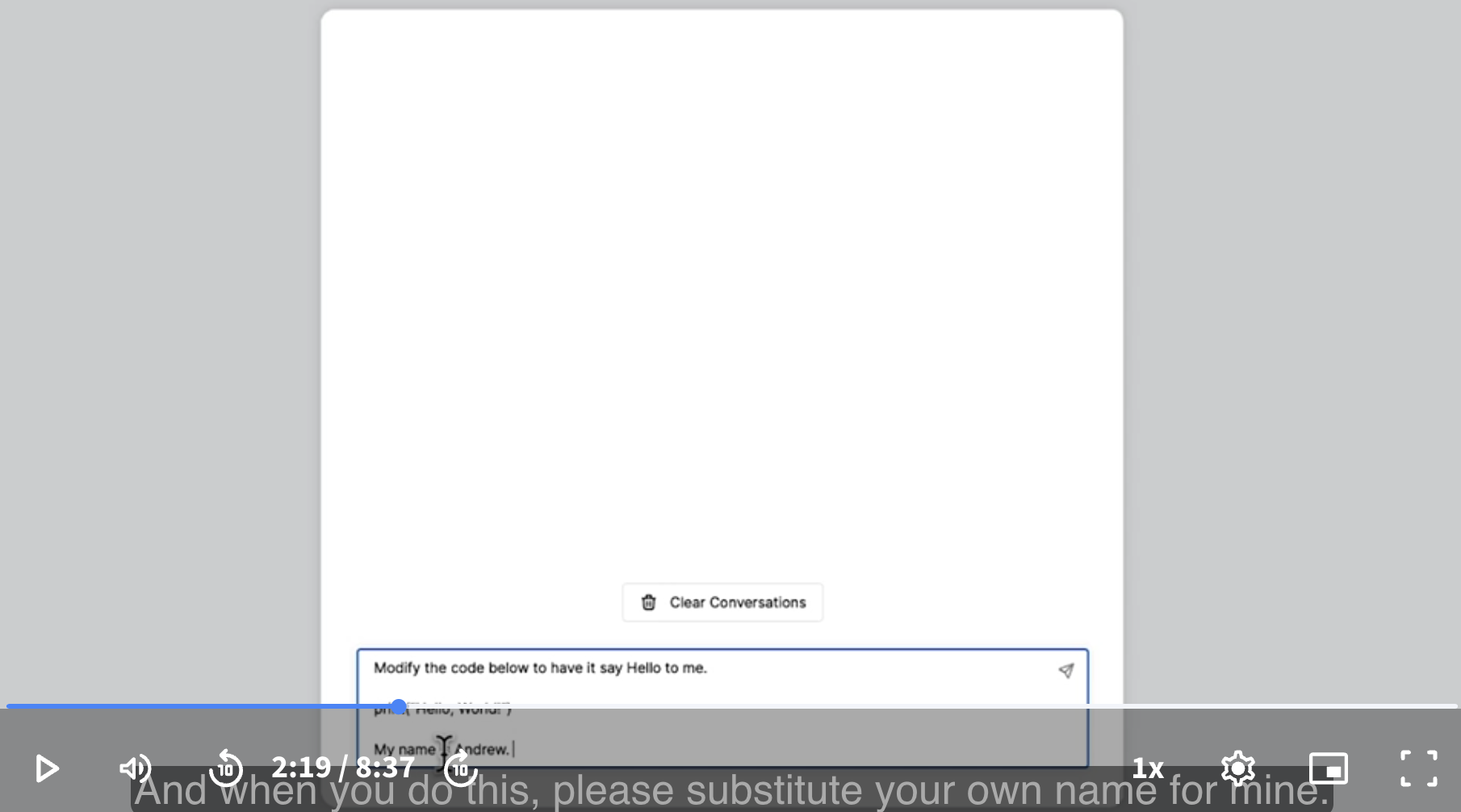
Now I’m going to copy the code.
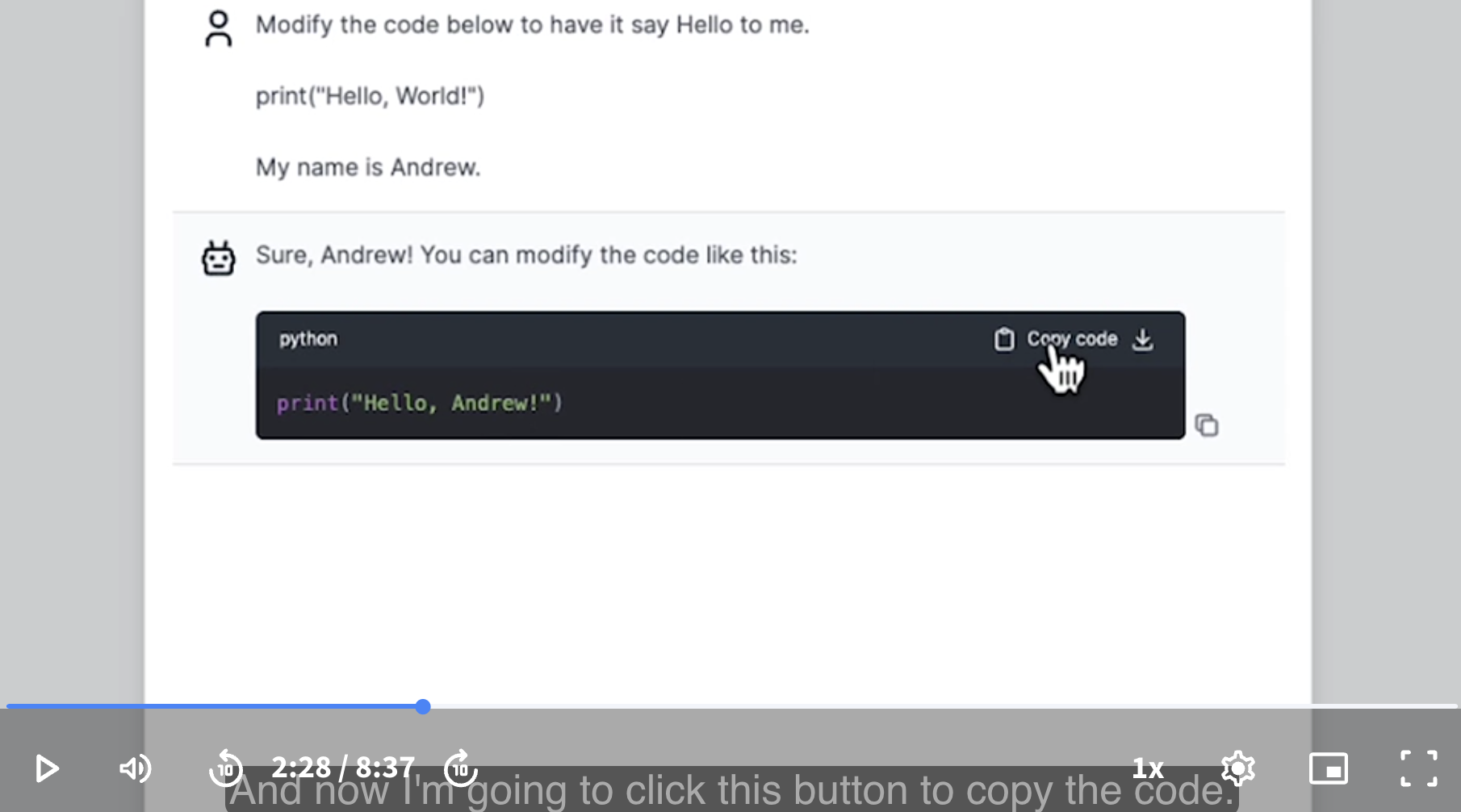
Now I’m going to paste the code, and hit Shift Enter. Now it will say Hello, Andrew!.
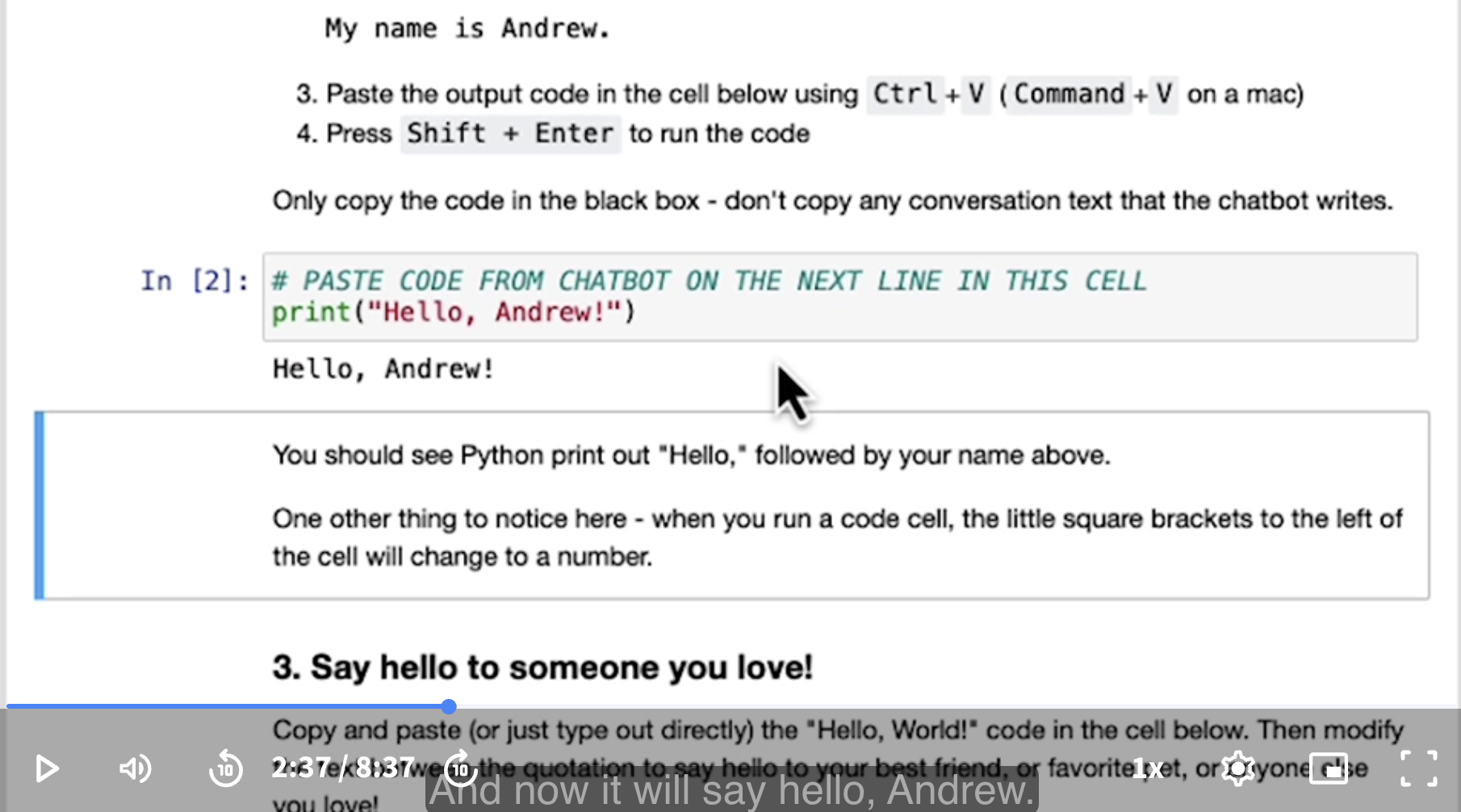
You should see Python print out “Hello,” followed by your name above.
One other thing to notice here - when you run a code cell, the little square brackets to the left of the cell will change to a number.
Personal attempt:
Popup the chatbot. I’m going to enter the prompt.
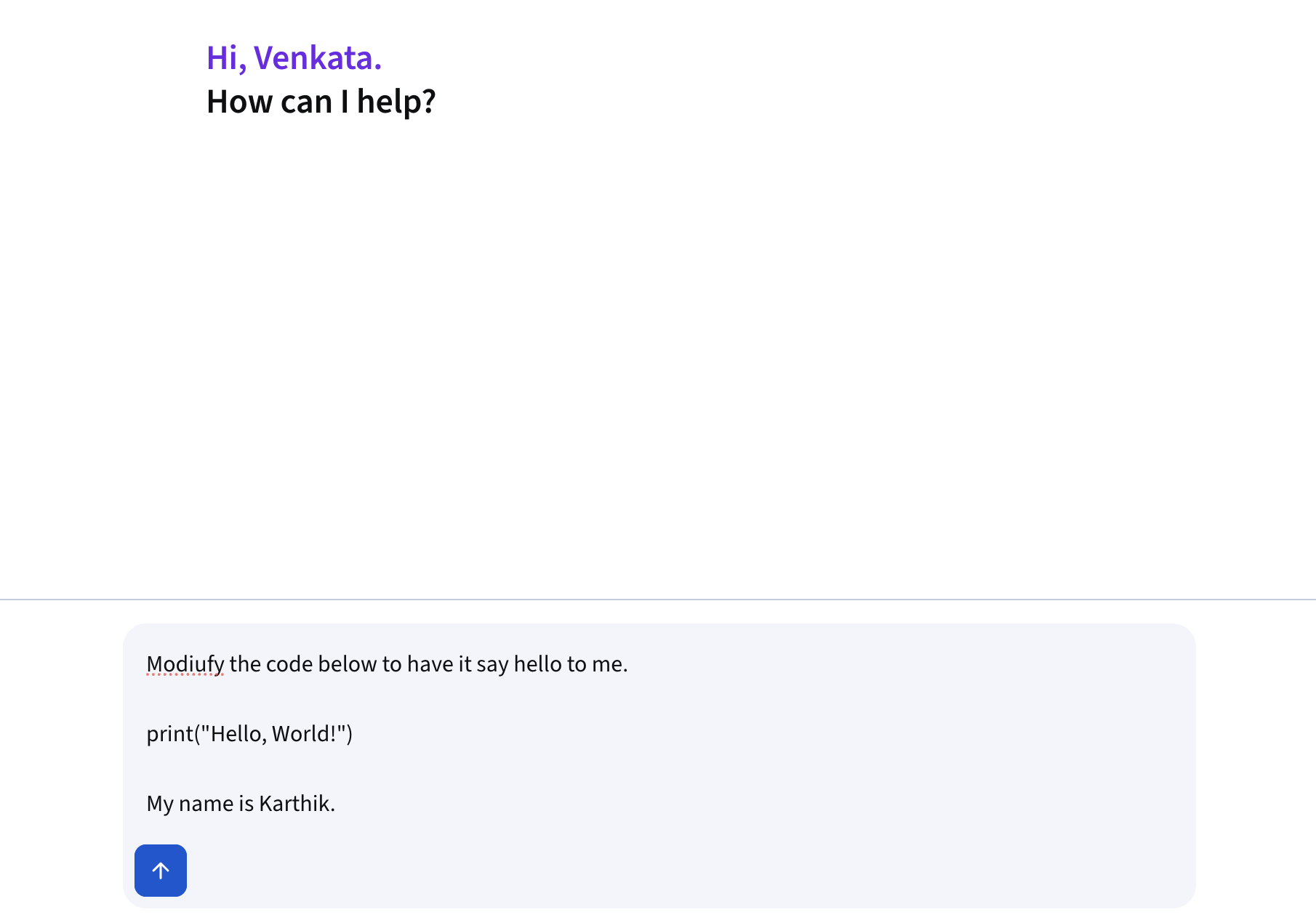
Now I’m going to copy the code.
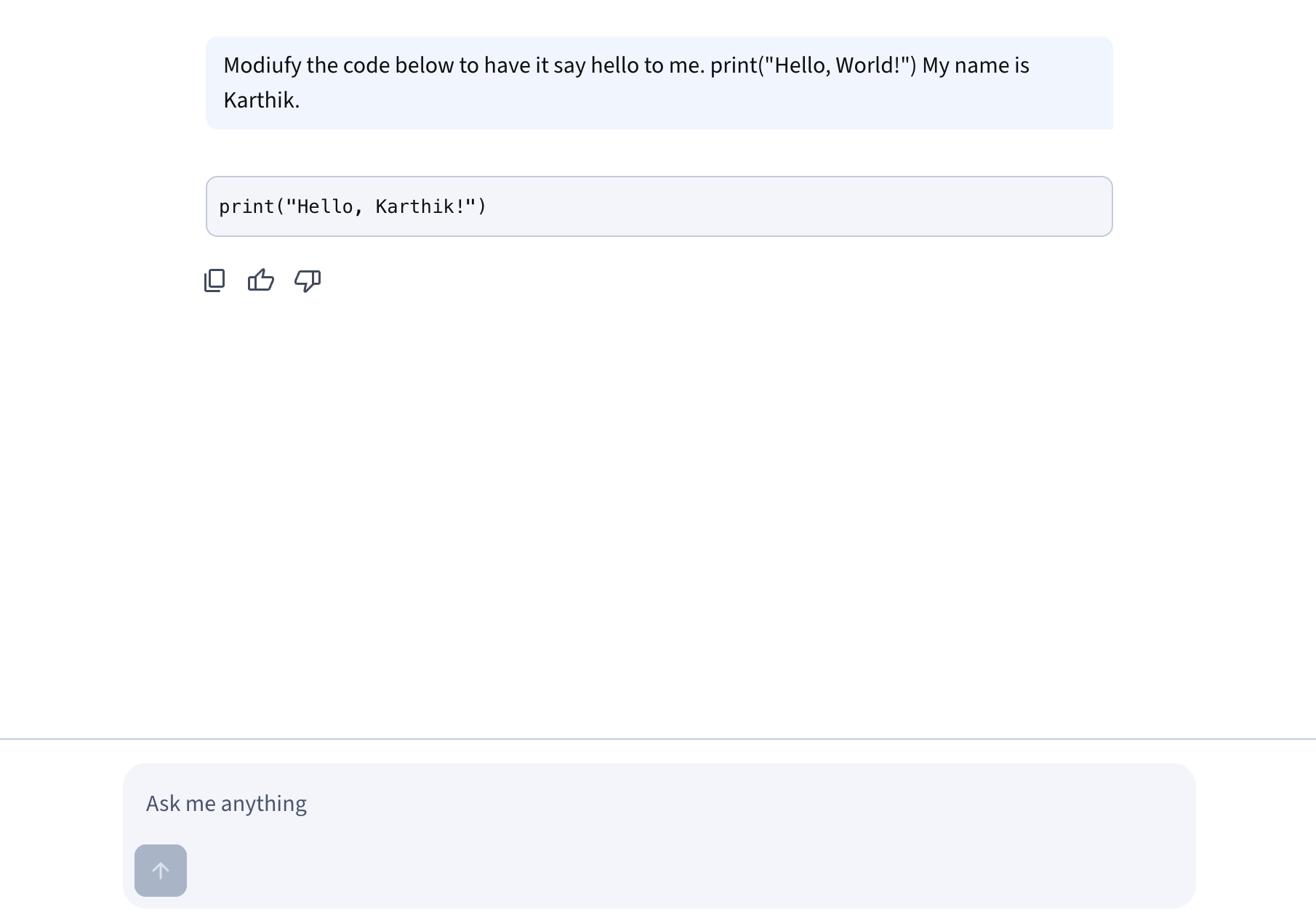
Personal: The new chatbot seems to disregard the spacing in the prompt.
Now I’m going to paste the code, and hit Shift Enter. Now it will say Hello, Karthik!.
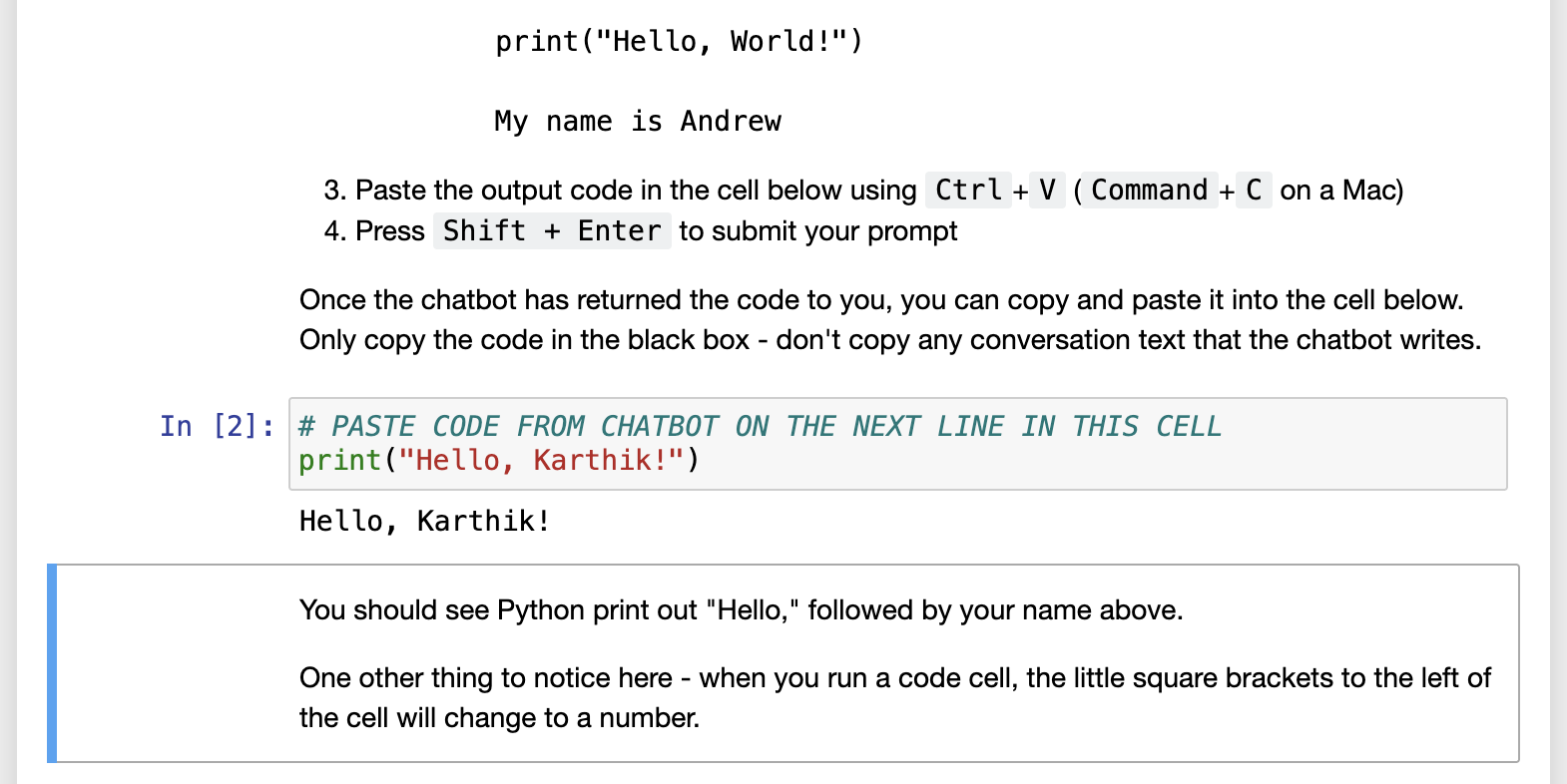
# PASTE CODE FROM CHATBOT ON THE NEXT LINE IN THIS CELL

Input: print("Hello, Karthik!")

Output: Hello, Karthik!
- Say hello to someone you love!
Copy and paste (or just type out directly) the “Hello, World!” code in the cell below. Then modify the text between the quotation to say hello to your best friend, or favorite pet, or anyone else you love!
Instructor: Let me type in the names of my kids, Happy and Neo. My daughter is actually called Nova, but she likes to go by Happy. So, that’s hello to my kids. Why don’t you do that as well. Get the computer to say hello, not just to the world, not just to you, but to someone that you love.
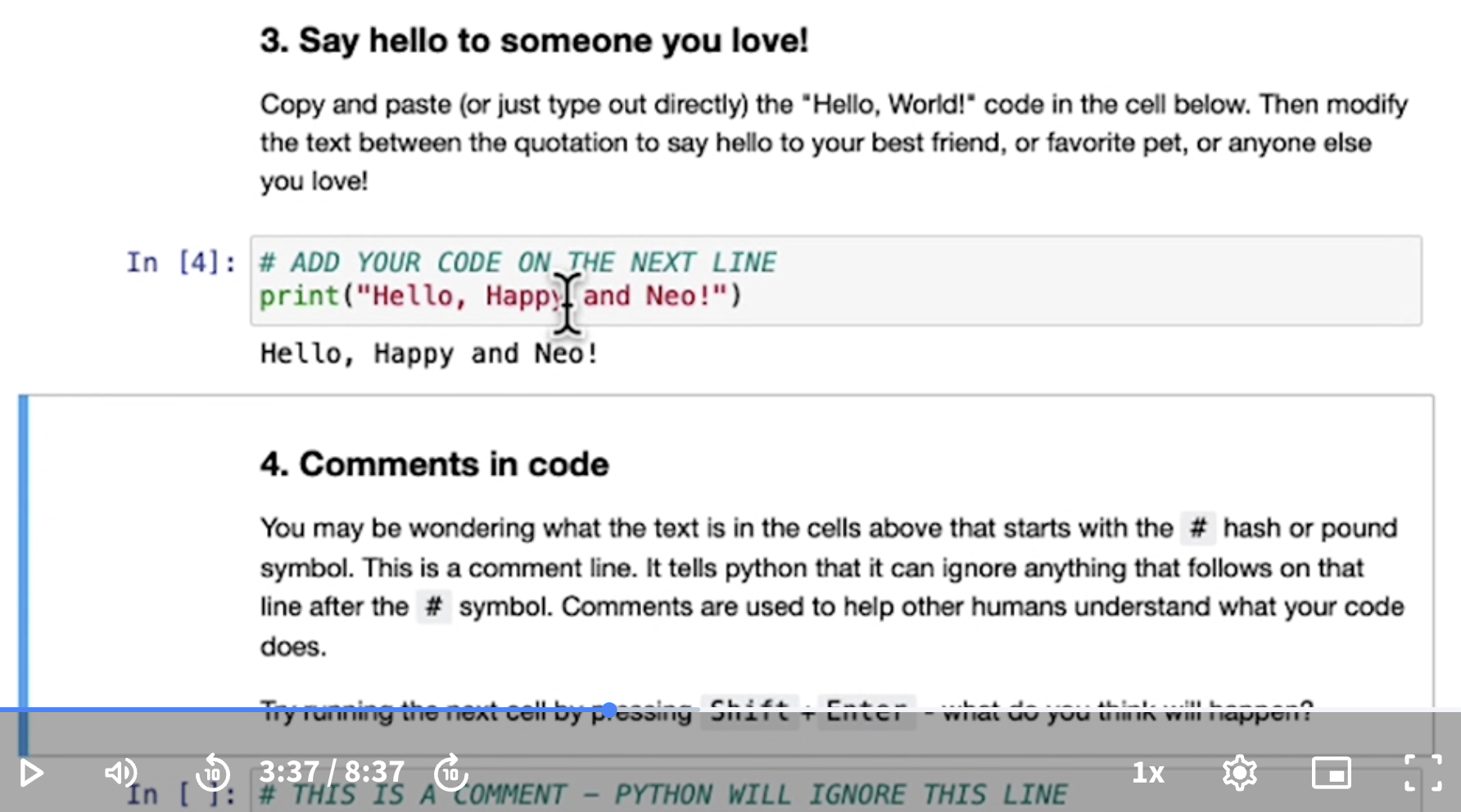
Personal attempt:
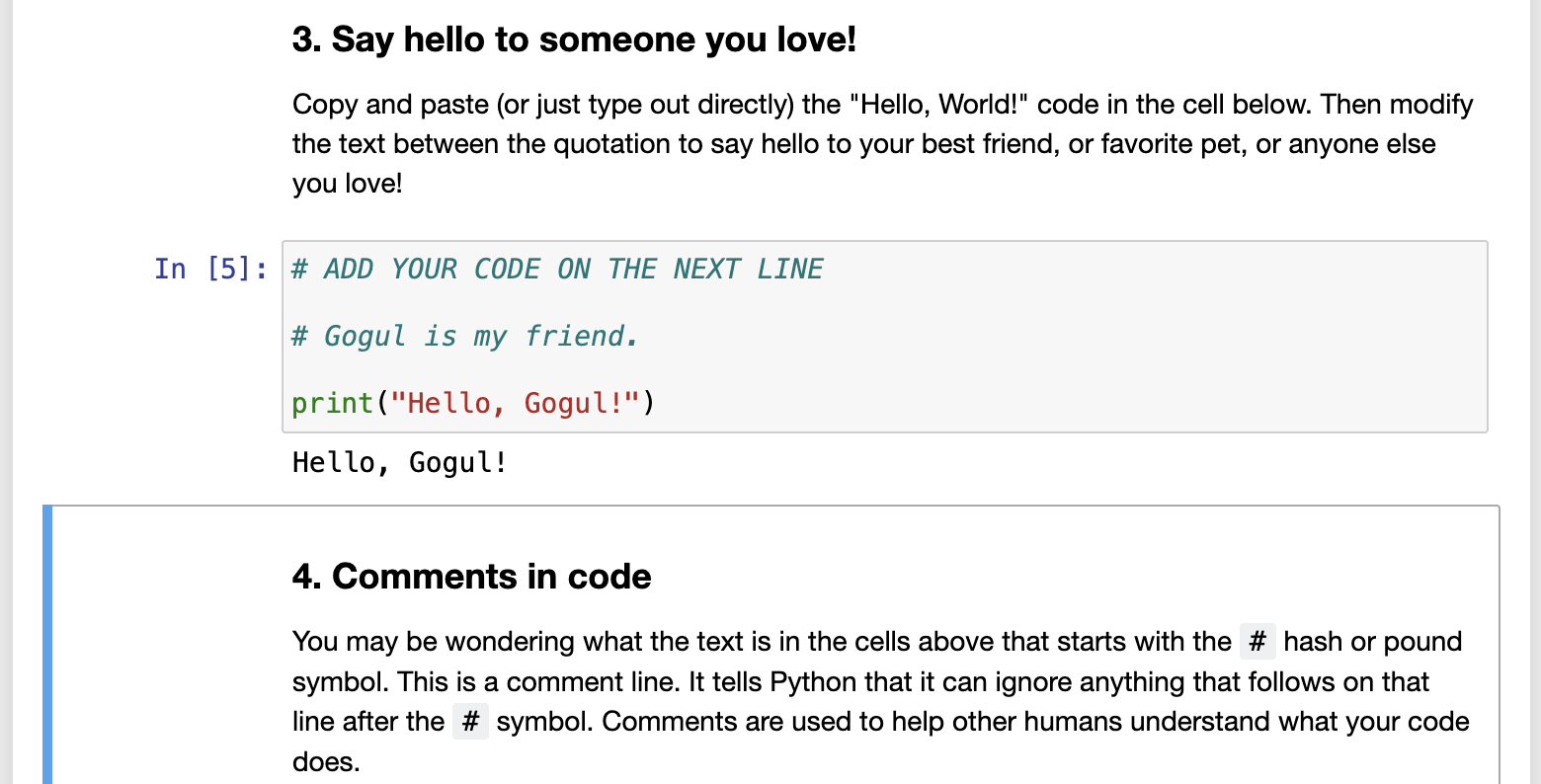
# ADD YOUR CODE ON THE NEXT LINE

# Gogul is my friend.

Input: print("Hello, Gogul!")

Output: Hello, Gogul!
- Comments in code
You may be wondering what the text is in the cells above that starts with the # hash or pound symbol. This is a comment line. It tells Python that it can ignore anything that follows on that line after the # symbol. Comments are used to help other humans understand what your code does.
Try running the next cell by pressing Shift+Enter - what do you think will happen?
# THIS IS A COMMENT - PYTHON WILL IGNORE THIS LINE
Nothing at all happens.
The cell above runs just like the code you ran before - you saw the * appear to the left of the cell, and then change to a number. But this time nothing appeared on the screen.`
A comment line is a valid piece of Python code. It tells Python to ignore what follows. Here, Python followed that command exactly, running the code, ignoring the text, and because the code had no output to return to you, it seemed like “nothing happened.”
Click into the cell below and click Shift + Enter to run the code - make sure to ask yourself what you think will happen first, and then see if you were right.
Input: print("This is a orint statement!")

Output: This is a print statement!
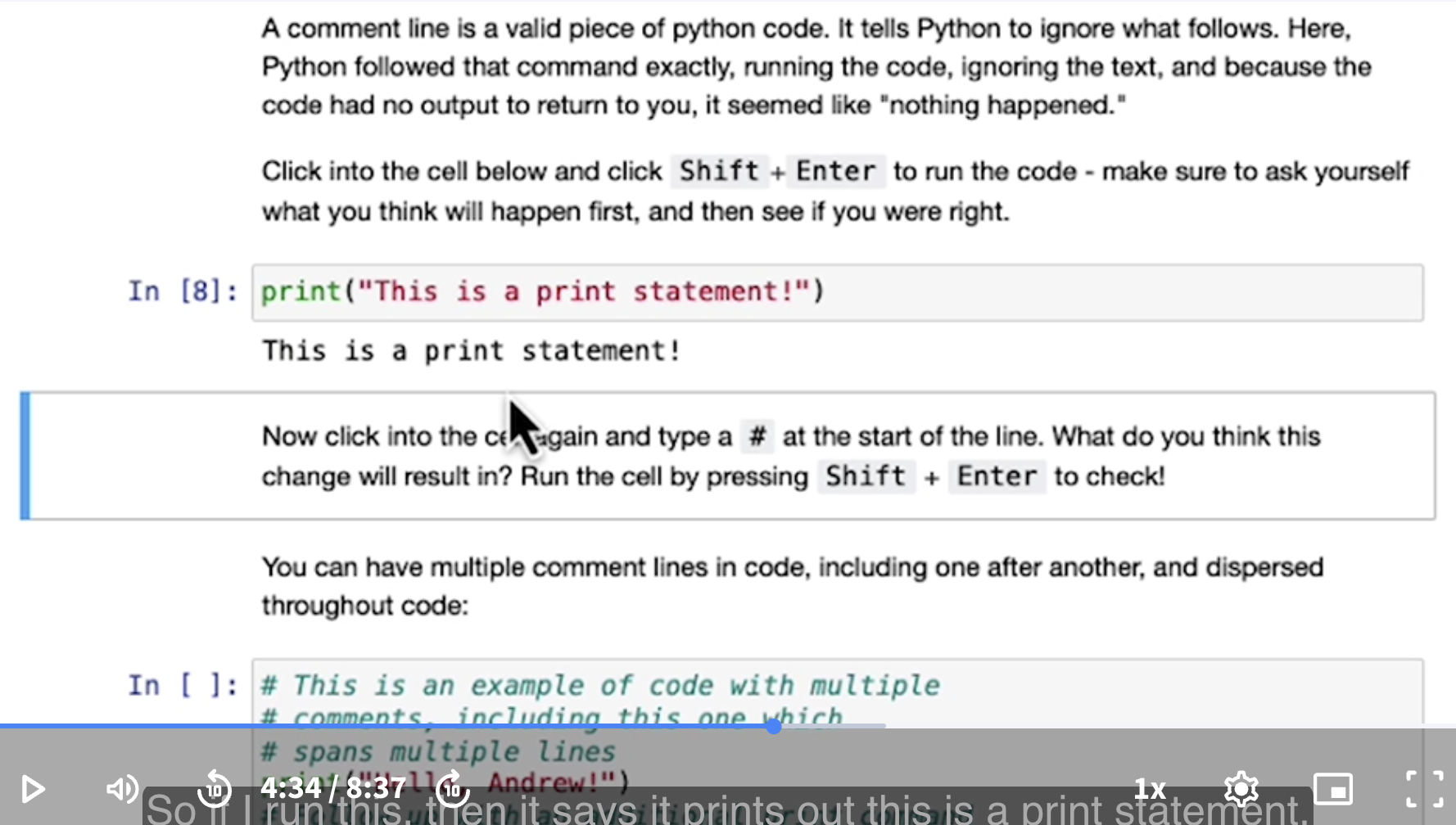
Now click into the cell again and type a # at the start of the line. What do you think this change will result in? Run the cell by pressing Shift + Enter to check!
Input: # print("This is a print statement!")

Output: (Nothing happens)
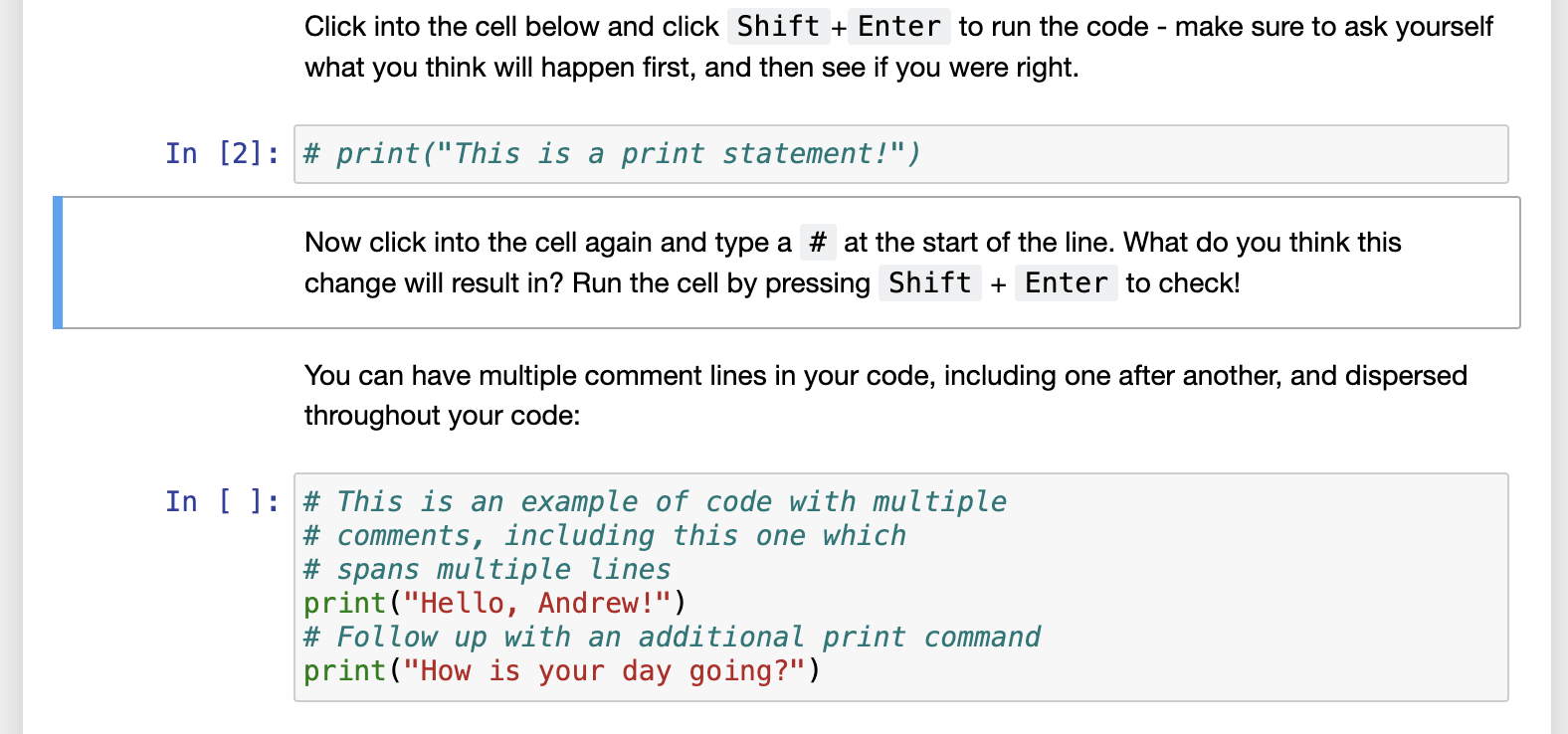
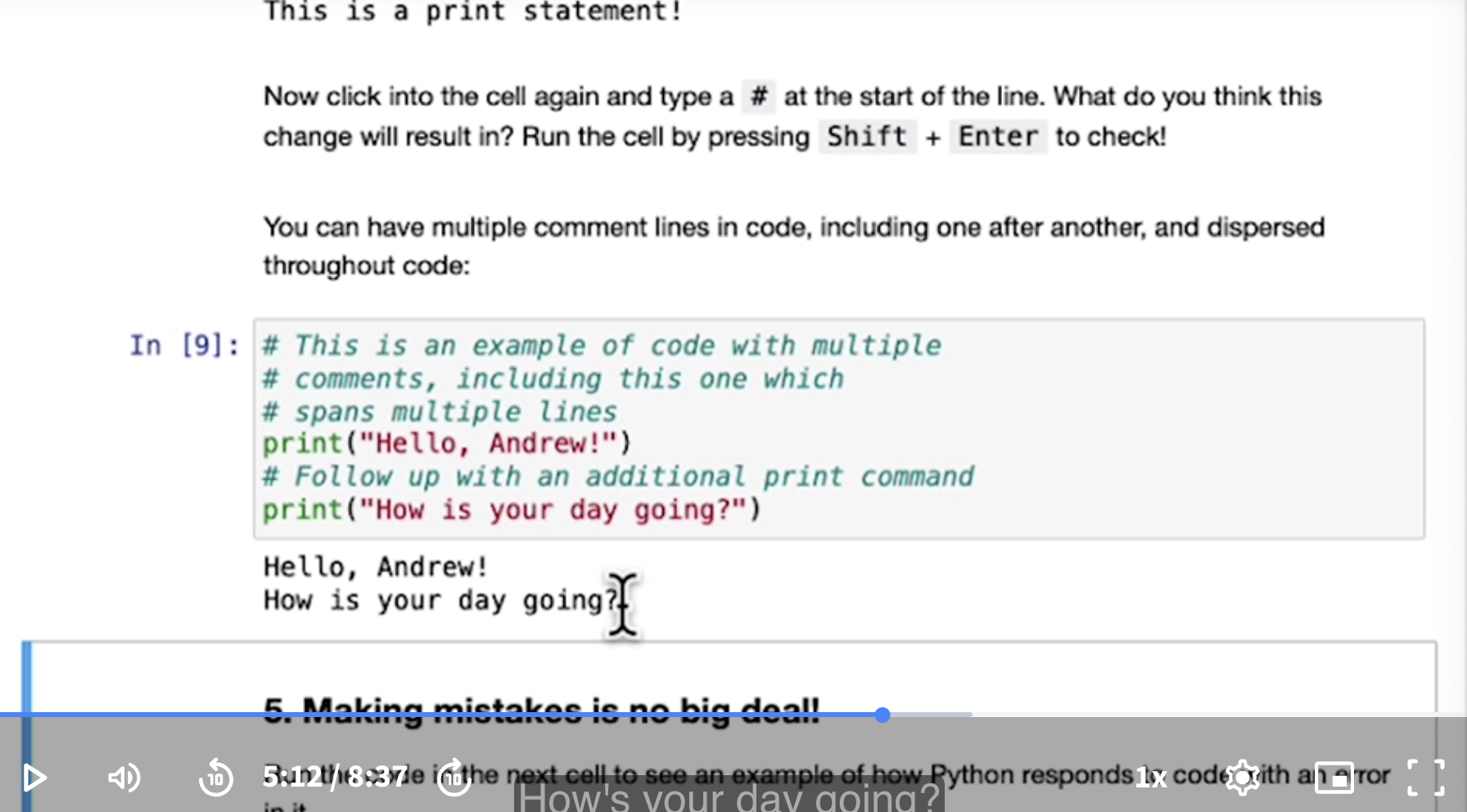
You can have multiple comment lines in your code, including one after another, and dispersed throughout your code:
Input:

# This is an example of code with multiple
# comments, including this one which
# spans multiple lines
print("Hello, Andrew!")
# Follow up with an additional print command
print("How is your day going?")

Output:

Hello, Andrew!
How is your day going?
- Making mistakes is no big deal!
Instructor: It turns out when we’re programming, all of us make mistakes all the time. I make typos, I make mistakes when I code. That’s a very normal part of programming.
Instructor: So here is a piece of code with an error in it. We call errors in code as bugs.
Run the code in the next cell to see an example of how Python responds to code with an error in it.
Input: print("Hello, Andrew!)

Output:

  Cell In [3], line 1
    print("Hello, Andrew!)
                          ^
SyntaxError: EOL while scanning string literal
Instructor: When you run a code with an error or bug in it, sometimes you get an error message like this. Sometimes I get an error message, and go oh boy I have no idea what this means. Fortunately, you can ask a chatbot how to fix the code.
You can ask the chatbot to help you fix this code:
-
Open the chatbot
-
Enter the following prompt:
 What is wrong with this code, and how do I fix it?

 print("Hello, Andrew!)
Fix the code in the next cell based on the chatbot’s recommendation and run the cell using Shift+Enter to see if the fix worked!
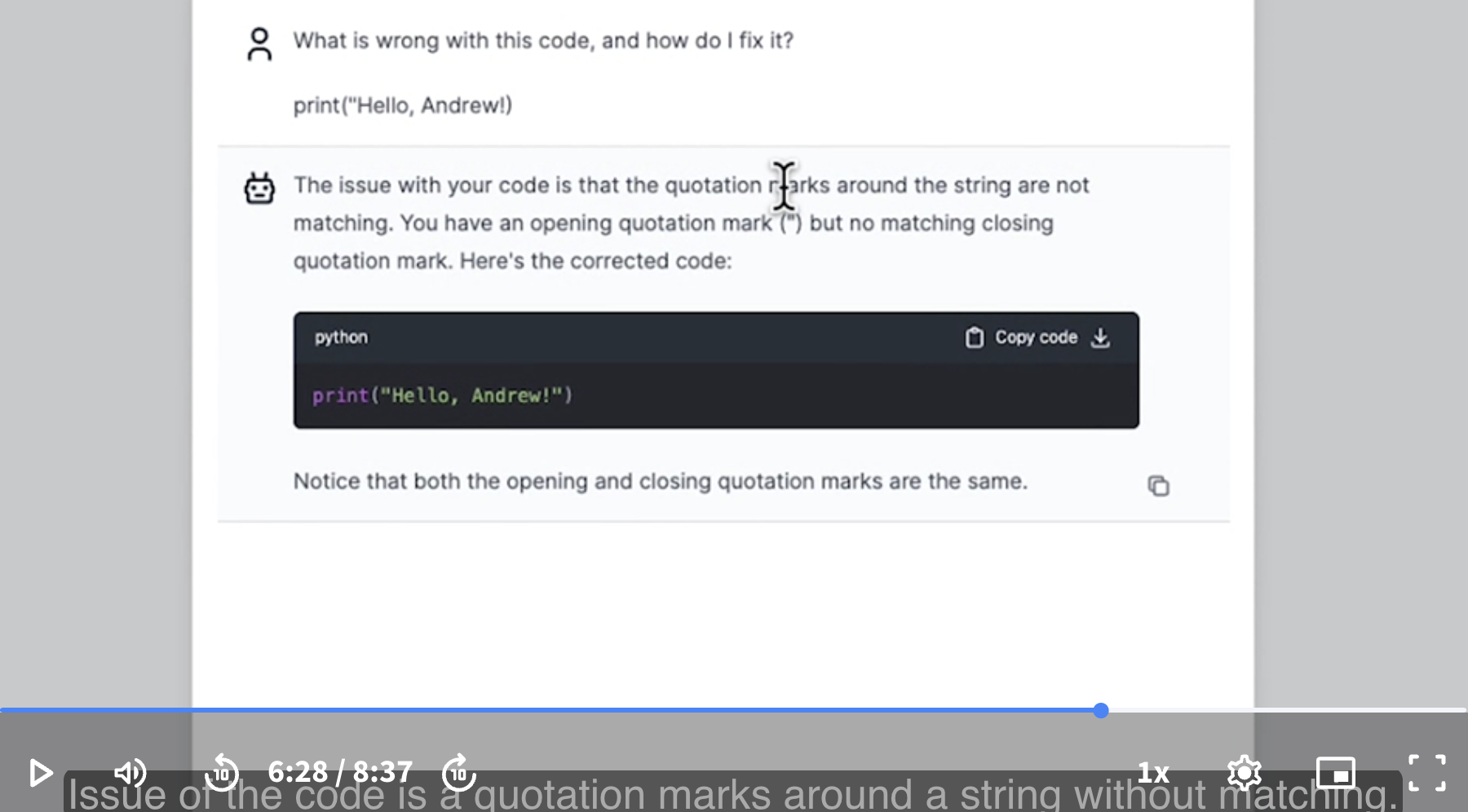
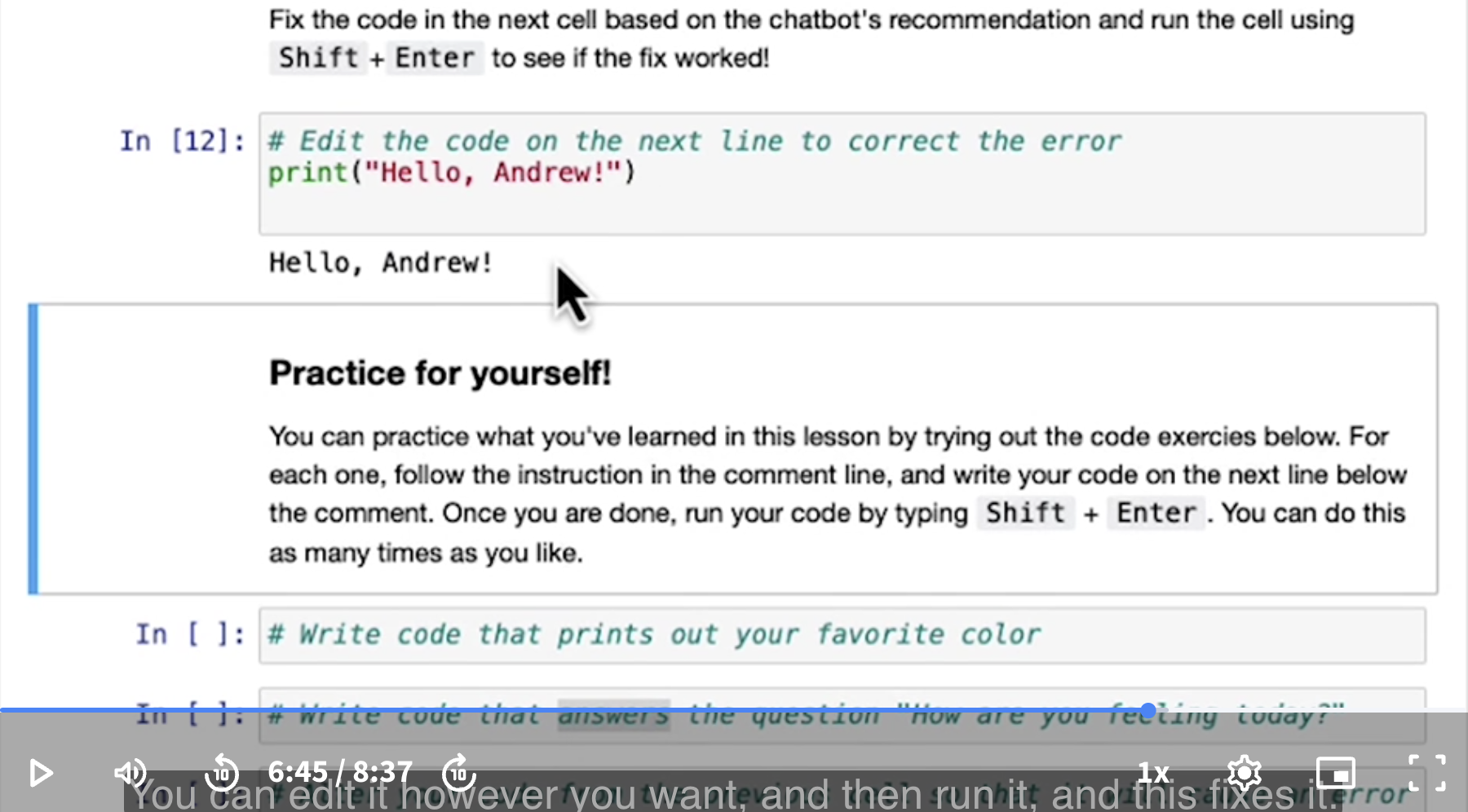
Instructor: Finding and fixing errors, also called finding and fixing bugs in computer programming, has really changed with chatbots. Because for many of these simple mistakes, such as little typos which we had here, chatbots are very good at spotting what went wrong.
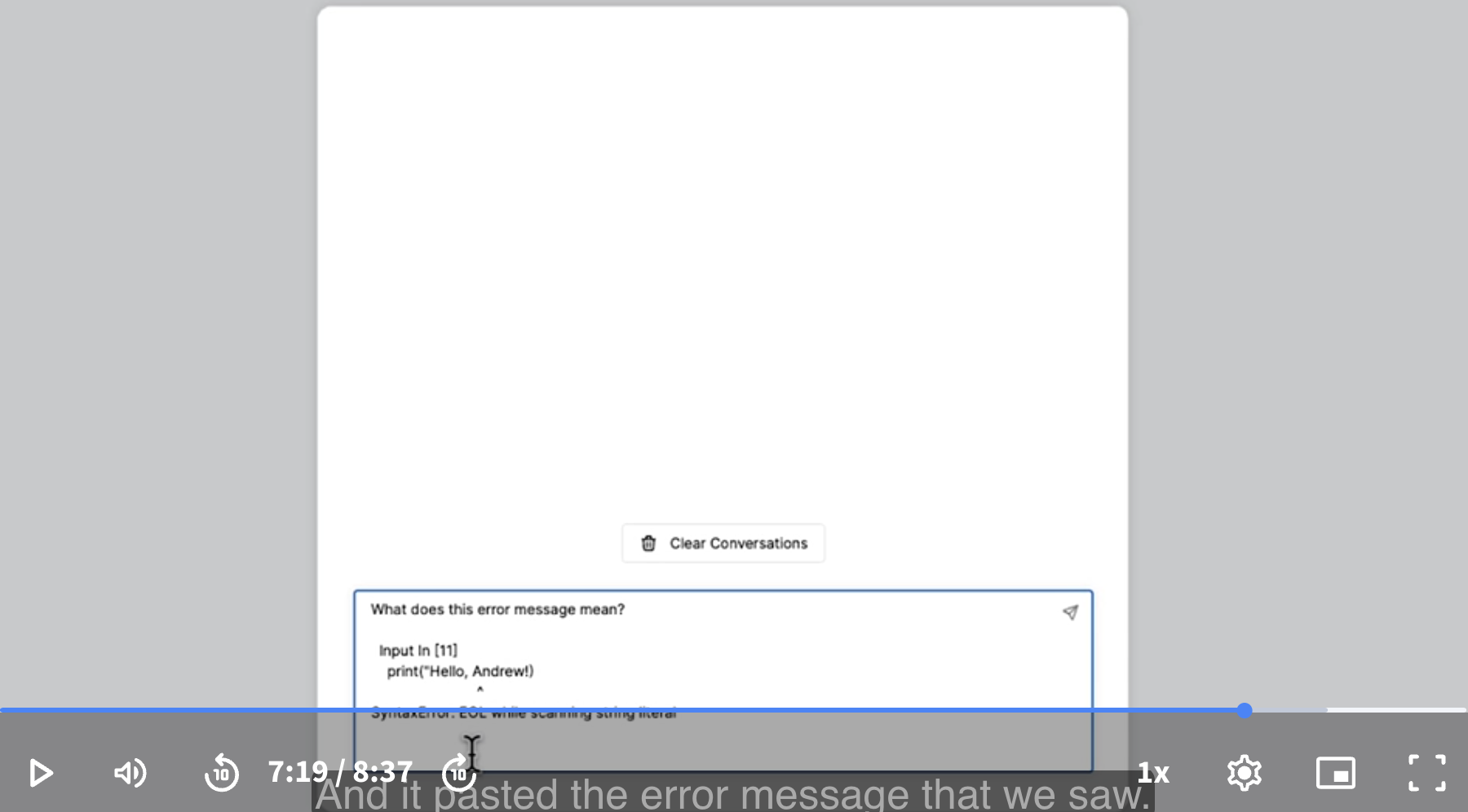
Instructor: You can also use a chatbot to explain an error message to you.
Using a chatbot to explain an error message:
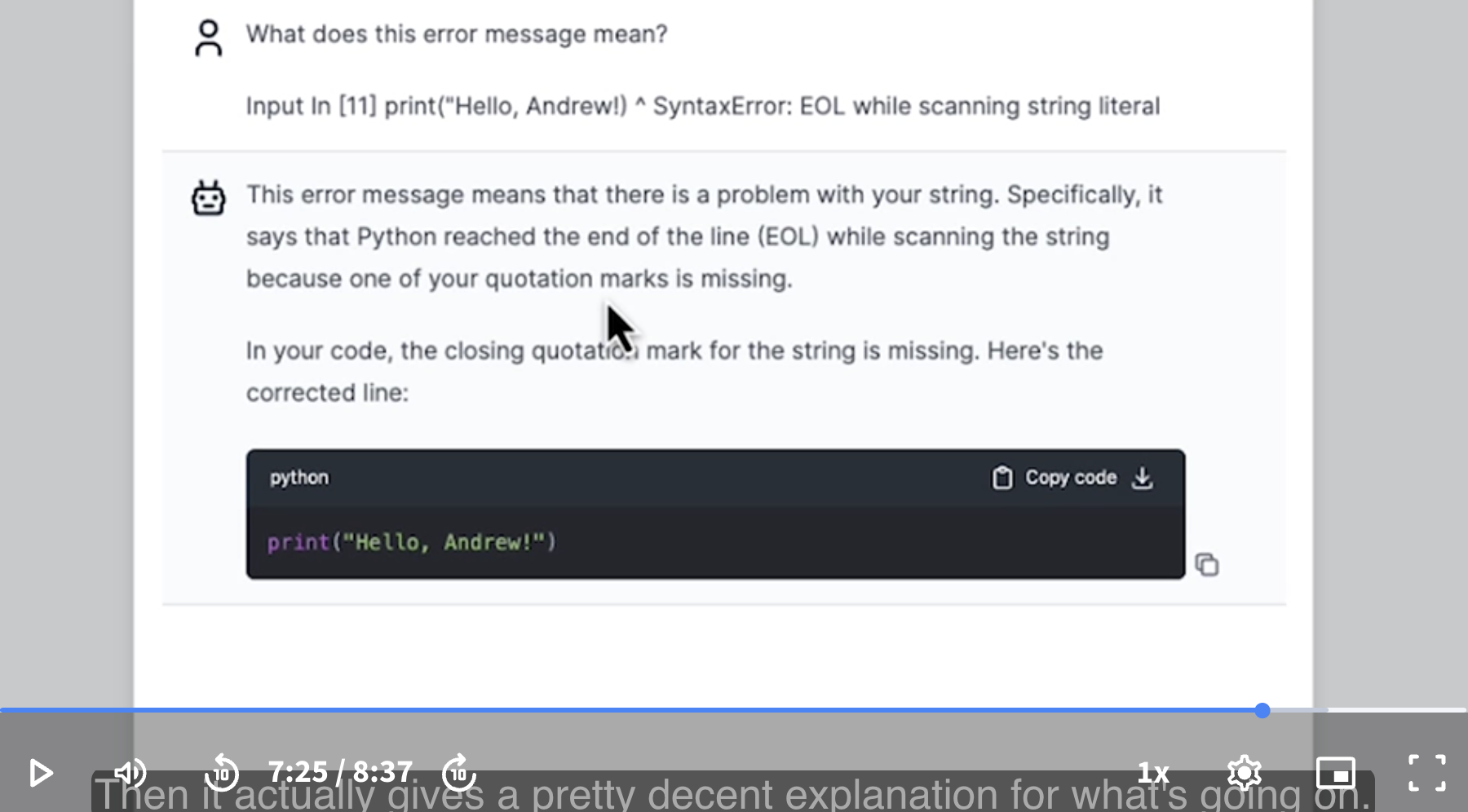
Instructor: It actually gives a pretty decent explanation for what’s going on. And right now, you may not know what some of these terms mean, like what is a string, or what is scanning a string. By the end of this short course, you will have learned a lot of the vocabulary to help you understand messages like these.
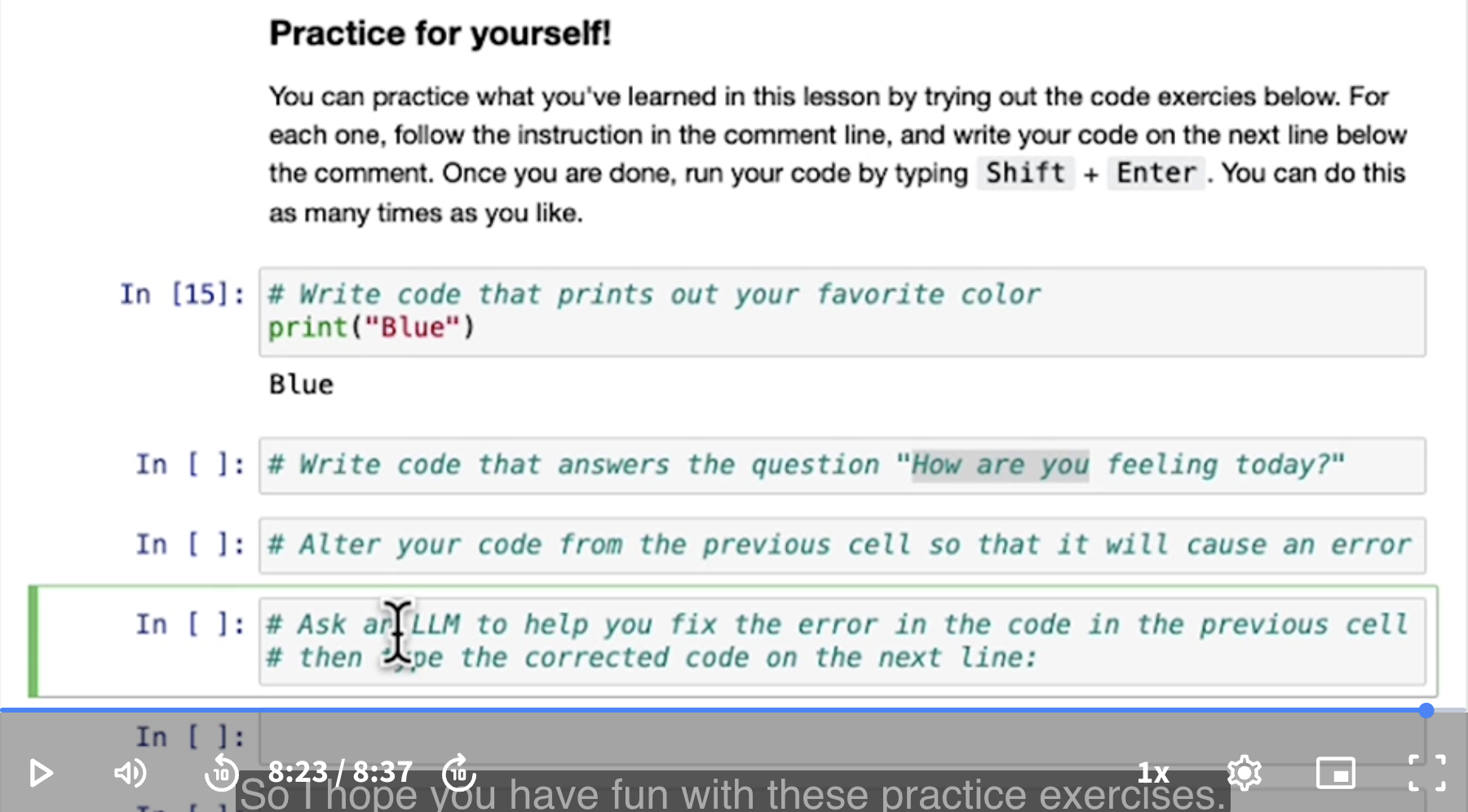
Practice for yourself!
You can practice what you’ve learned in this lesson by trying out the code exercises below. For each one, follow the instructions in the comment line, then write your code on the next line below the comment. Once you are done, run your code by typing Shift + Enter. You can do this as many times as you like.
Instructor: I’ll do the first one.
Instructor: I hope you have fun with these practice exercises.
When you’re done, let’s go on to the next lesson, where we’ll start to talk about data. Data is a key ingredient of both AI as well as Python programs.